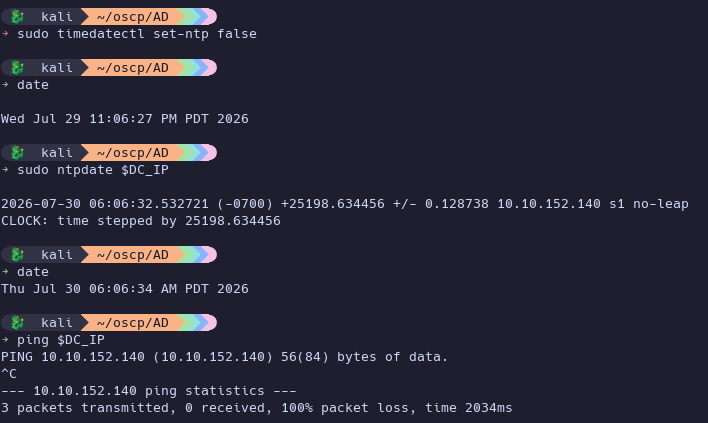
Kerberos requires minimal clock skew between a client and the KDC when requesting authentication, which of course, is relevant when attempting to Kerberoast or ASREProast in Active Directory penetration testing.
If you have a clock skew when running a command such as netexec ldap $DC_IP -u "$USER" -p "$PASS" --kerberoasting kerberoast.txt, you may get an error like this:
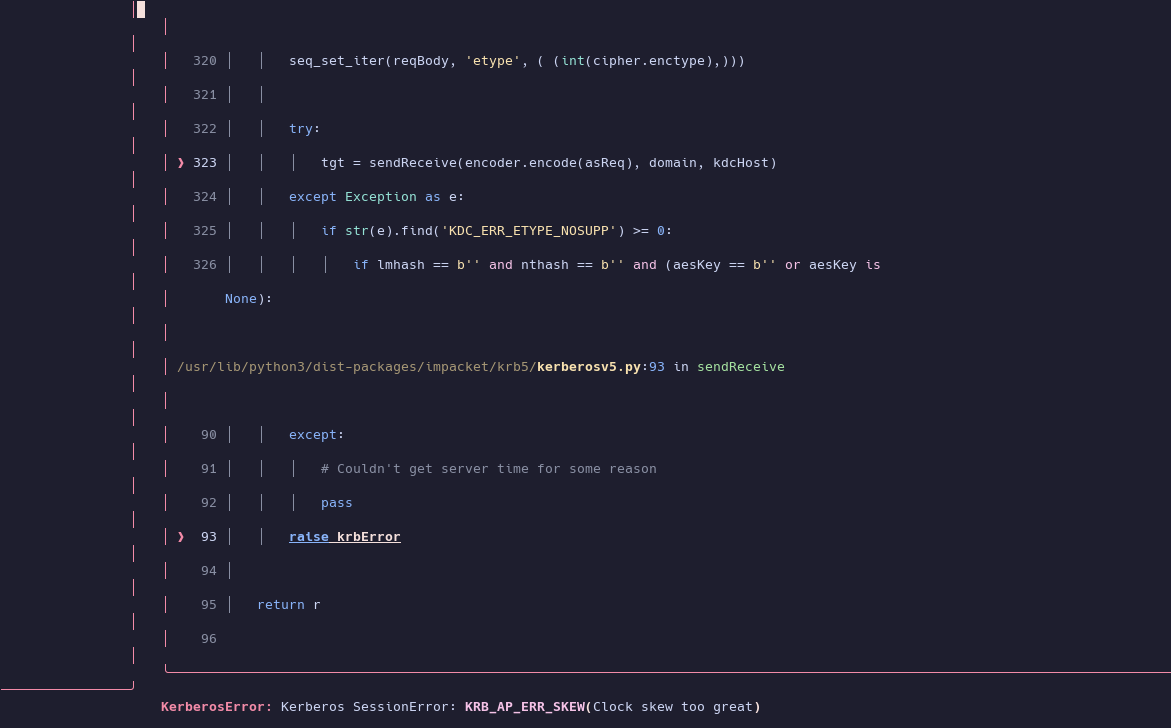
“KerberosError: Kerberos SessionError: KRB_AP_ERR_SKEW(Clock skew too great)”
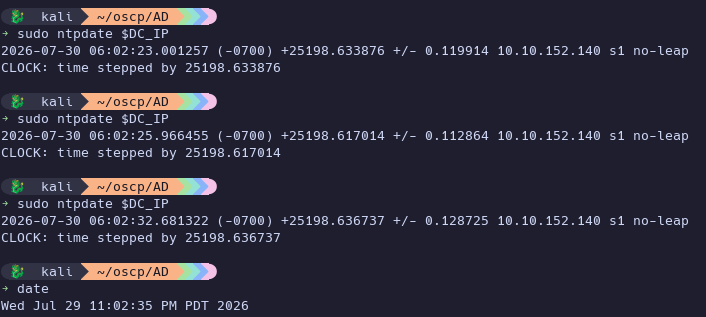
We can typically use sudo ntpdate $DC_IP to sync our time with the Domain Controller using NTP.
However, today I had some unexpected behavior… it showed a skew, but didn’t seem to stay synced:
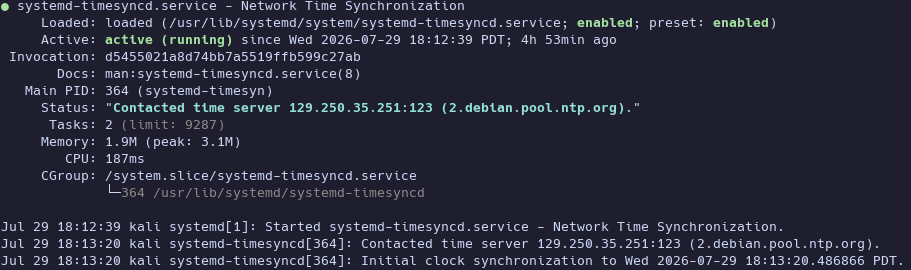
The culprit was systemd-timesyncd, which was still syncing my system’s time with 2.debian.pool.ntp.org.
systemctl status systemd-timesyncd
Worth noting, disabling this and syncing my time again dropped my OpenVPN connection to the lab environment.
Disable it: sudo timedatectl set-ntp false and sync again. Now it’s in sync and we’re able to interact with Kerberos.